MacBooks are known for their sleek design, powerful performance, and long lifespan. However, like any electronic device, they are not immune to hardware issues. Whether you’re dealing with overheating, battery failure, or a cracked display, understanding how to identify hardware problems can save time, money, and data.
This comprehensive guide focuses on Laptop MacBook Repair service Dubai hardware checks, helping users understand common faults, early warning signs, and when to seek MacBook repair near me services. If you’re also considering MacBook screen replacement Dubai, this guide will walk you through everything you need to know.
Why Hardware Checks Are Important
Regular hardware checks are essential for maintaining your MacBook’s performance and extending its lifespan. Ignoring small issues can lead to major system failures.
Key Benefits of Hardware Inspection:
- Prevents unexpected breakdowns
- Protects critical data
- Improves device performance
- Reduces long-term repair costs
A proper Laptop MacBook Repair service Dubai provider typically begins with a full hardware diagnostic to pinpoint the exact issue before recommending repairs.
Common MacBook Hardware Issues
Understanding common hardware problems helps you identify when your device needs professional attention.
- Battery Problems
MacBook batteries degrade over time. Signs include:
- Rapid battery drain
- Unexpected shutdowns
- Swelling battery
If you notice these issues, it’s time to look for a MacBook repair near me to replace the battery safely.
- Overheating and Fan Issues
Overheating can damage internal components and slow down performance.
Common causes:
- Dust buildup in fans
- Faulty thermal paste
- Blocked ventilation
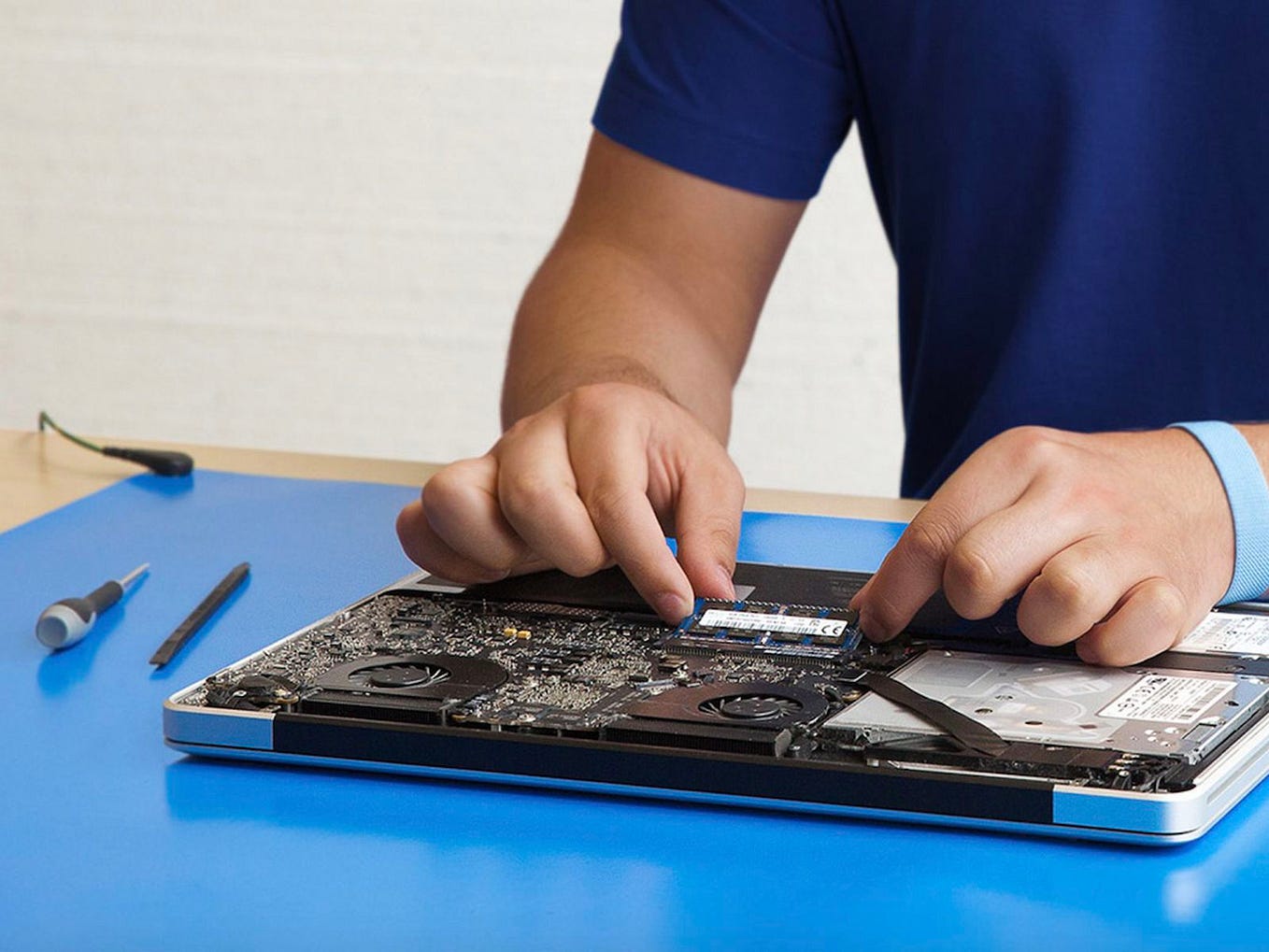
Professional Laptop MacBook Repair service Dubai technicians clean internal components and ensure proper airflow.
- Keyboard Malfunctions
Keyboard issues can arise due to:
- Dust accumulation
- Liquid damage
- Faulty keys
Hardware checks can determine whether cleaning or replacement is needed.
- Trackpad Failure
A non-responsive trackpad may result from:
- Software conflicts
- Internal cable issues
- Battery swelling affecting trackpad alignment
A certified MacBook repair near me service can diagnose and fix the root cause.
- Screen Damage
Screen issues are among the most common problems users face.
Signs you need MacBook screen replacement Dubai:
- Cracked or broken display
- Flickering screen
- Dead pixels or discoloration
- Backlight failure
Timely MacBook screen replacement Dubai ensures better visibility and prevents further internal damage.
Step-by-Step MacBook Hardware Check Guide
If you’re trying to understand your MacBook’s condition before visiting a technician, follow this basic hardware check process.
Step 1: Inspect the Exterior
Start with a visual inspection:
- Check for cracks or dents
- Look for screen damage
- Inspect ports for debris or damage
Physical damage often indicates internal issues requiring a Laptop MacBook Repair service Dubai provider.
Step 2: Check Battery Health
You can check battery condition through system settings:
- Look for “Service Recommended” status
- Monitor battery cycles
If the battery health is poor, consult a MacBook repair near me for replacement.
Step 3: Test the Keyboard and Trackpad
Open a text editor and:
- Test each key
- Check trackpad responsiveness
Unresponsive keys or lagging cursor may require internal hardware servicing.
Step 4: Monitor System Temperature
Use system tools to observe temperature levels:
- High temperatures during light tasks indicate cooling issues
- Fan noise suggests internal dust buildup
Professional cleaning is often needed in such cases.
Step 5: Check Display Performance
Examine your screen carefully:
- Look for flickering or lines
- Adjust brightness levels
- Test for color consistency
If issues persist, consider MacBook screen replacement Dubai services.
Step 6: Run Apple Diagnostics
MacBooks come with built-in diagnostics:
- Restart and hold the “D” key
- Follow on-screen instructions
This helps identify hardware faults and supports technicians during repair.
When to Seek Professional Repair Services
While basic checks are helpful, some issues require expert intervention.
Signs You Need Immediate Repair:
- MacBook won’t turn on
- Frequent crashes or freezing
- Burning smell or unusual noise
- Severe overheating
- Liquid damage
In such cases, searching for MacBook repair near me ensures quick and safe solutions.
Choosing the Right Repair Service in Dubai
Dubai has numerous repair providers, but choosing the right one is crucial.
What to Look For:
- Certified technicians
- Genuine replacement parts
- Transparent pricing
- Warranty on repairs
- Quick turnaround time
A trusted Laptop MacBook Repair service Dubai provider will always perform a complete hardware check before starting any repair.
MacBook Screen Replacement: What to Expect
If your display is damaged, replacing it is often the best solution.
Replacement Process:
- Diagnosis of screen damage
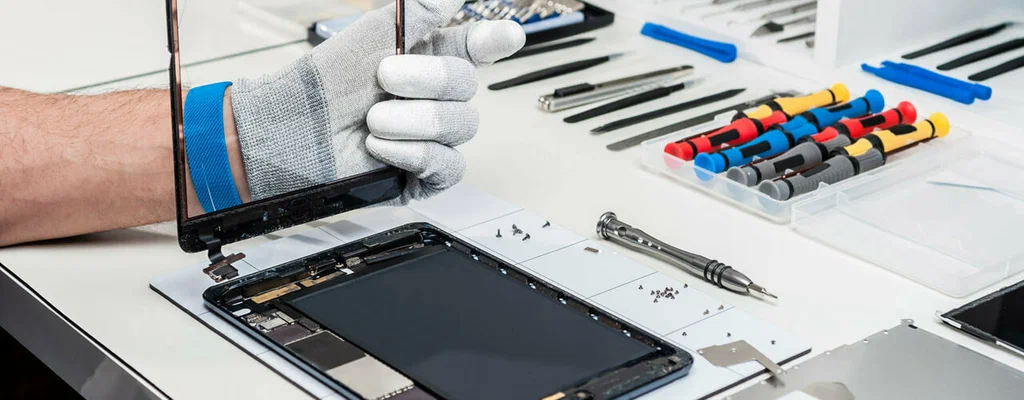
- Removal of damaged display
- Installation of new screen
- Calibration and testing
Professional MacBook screen replacement Dubai services ensure high-quality displays and proper installation.
Tips to Prevent Hardware Issues
Preventive care can significantly reduce the need for repairs.
Maintenance Tips:
- Keep your MacBook clean and dust-free
- Avoid using it on soft surfaces that block airflow
- Use protective cases and screen guards
- Keep liquids away from your device
- Regularly update macOS
Routine maintenance reduces the need for frequent visits to MacBook repair near me services.
Cost Factors for MacBook Repairs in Dubai
Repair costs vary depending on the issue and model.
Factors Affecting Cost:
- Type of hardware damage
- Replacement parts required
- Model and year of MacBook
- Labor charges
For example, MacBook screen replacement Dubai typically costs more than minor repairs due to the high price of display panels.
DIY vs Professional Repairs
While some users attempt DIY fixes, it’s not always recommended.
DIY Risks:
- Voiding warranty
- Causing further damage
- Using incompatible parts
Professional Laptop MacBook Repair service Dubai ensures safe handling and accurate repairs.
How Often Should You Perform Hardware Checks?
Regular inspections help detect issues early.
Recommended Frequency:
- Basic checks: Monthly
- Deep diagnostics: Every 6 months
- Professional servicing: Once a year
Frequent checks reduce the need for emergency MacBook repair near me visits.
Conclusion
MacBooks are premium devices that require proper care and timely maintenance. Understanding hardware issues and performing regular checks can prevent costly repairs and extend your device’s life.
Whether you’re dealing with overheating, battery problems, or display damage, a trusted Laptop MacBook Repair service Dubai provider can help diagnose and fix the issue efficiently. If you’re facing display issues, opting for MacBook screen replacement Dubai ensures your device functions like new again.
When in doubt, always search for a reliable MacBook repair near me to get professional assistance and keep your MacBook running smoothly for years to come.