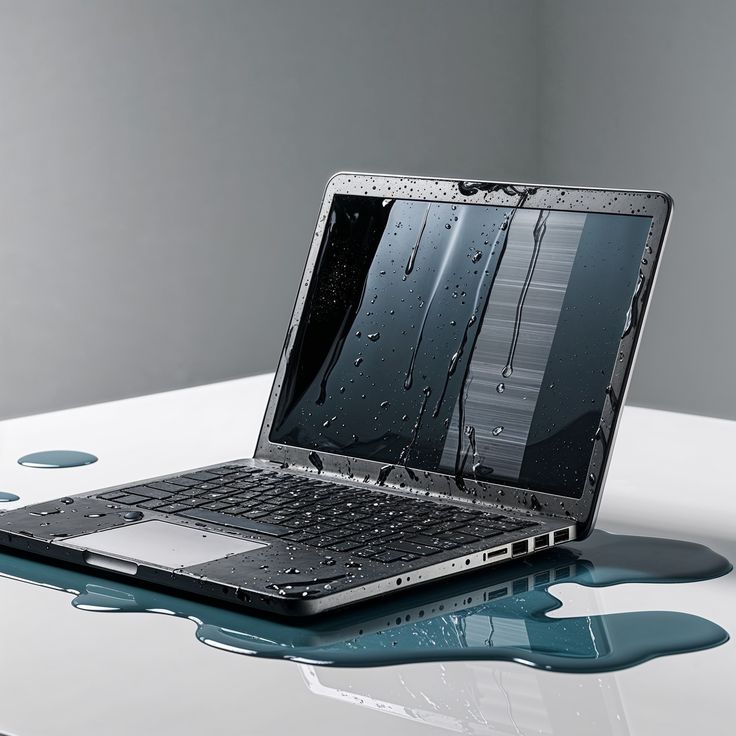
Accidental liquid spills are among the most common causes of device failure. Whether it is water, coffee, tea, juice, or another liquid, even a small spill can lead to significant damage if not addressed quickly. Many users underestimate the impact of liquid exposure, assuming that a device will function normally once it dries. Unfortunately, moisture can cause corrosion, short circuits, and long-term hardware failure.
If your laptop, tablet, or other electronic device has been exposed to liquid, it is important to Book water damage repair Dubai services as soon as possible. Professional technicians can inspect the device, identify hidden damage, and perform the necessary repairs before the problem worsens.
This guide explains the effects of liquid damage, immediate actions to take, common repair procedures, and how professional MacBook repair services and Surface repair Dubai specialists can help restore your device.
Understanding Water Damage in Electronic Devices
Electronic devices contain delicate circuits and components that are highly sensitive to moisture. When liquid enters a device, it can interfere with electrical connections and damage critical hardware.
Common causes of liquid damage include:
- Water spills
- Coffee and tea accidents
- Soft drink spills
- Rain exposure
- Humidity-related moisture
- Leaking water bottles inside bags
While some devices may continue functioning immediately after exposure, hidden corrosion can gradually damage internal components over time.
This is why it is recommended to Book water damage repair Dubai services promptly rather than waiting for symptoms to appear.
Immediate Steps after a Liquid Spill
Taking the right actions immediately after a spill can significantly improve the chances of recovery.
- Power Off the Device
Turn off the device immediately. Continuing to use a wet device increases the risk of short circuits.
- Disconnect Power Sources
Remove chargers, cables, external drives, and accessories.
- Remove Removable Components
If possible, remove the battery, memory cards, or storage devices.
- Avoid Using Heat
Many people attempt to dry devices with hair dryers. Excessive heat can damage internal components and push moisture deeper into the device.
- Seek Professional Assistance
The safest option is to Book water damage repair Dubai services for a professional inspection and cleaning process.
Signs of Liquid Damage
Not all water-damaged devices fail immediately. Some continue working for days or weeks before problems become noticeable.
Common signs include:
Random Shutdowns
The device may turn off unexpectedly due to damaged circuits.
Keyboard Malfunctions
Keys may stop responding or register incorrect inputs.
Display Issues
Screen flickering, lines, or black screens can indicate internal damage.
Charging Problems
Liquid exposure often affects charging circuits and ports.
Overheating
Corroded components may generate excessive heat.
Distorted Audio
Speakers and microphones may produce unclear or muffled sound.
If any of these symptoms appear, it is time to Book water damage repair Dubai to prevent further damage.
Why Water Damage Gets Worse Over Time
One of the biggest misconceptions is that a device is safe once it appears dry. In reality, liquid residue remains on internal components.
This residue can:
- Cause corrosion
- Damage connectors
- Interrupt electrical signals
- Create short circuits
- Reduce hardware lifespan
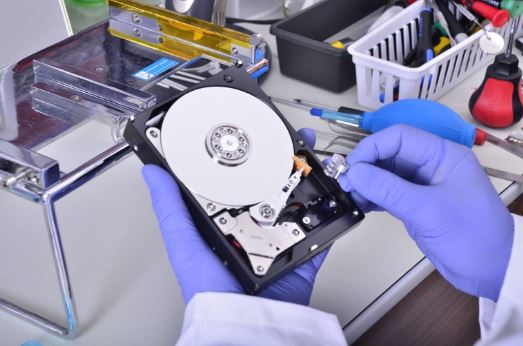
Professional repair technicians use specialized tools to remove contaminants and prevent long-term deterioration.
Whether you require MacBook repair services or Surface repair Dubai solutions, early intervention is critical.
Professional Water Damage Repair Process
When you Book water damage repair Dubai, technicians typically follow a structured repair procedure.
Device Inspection
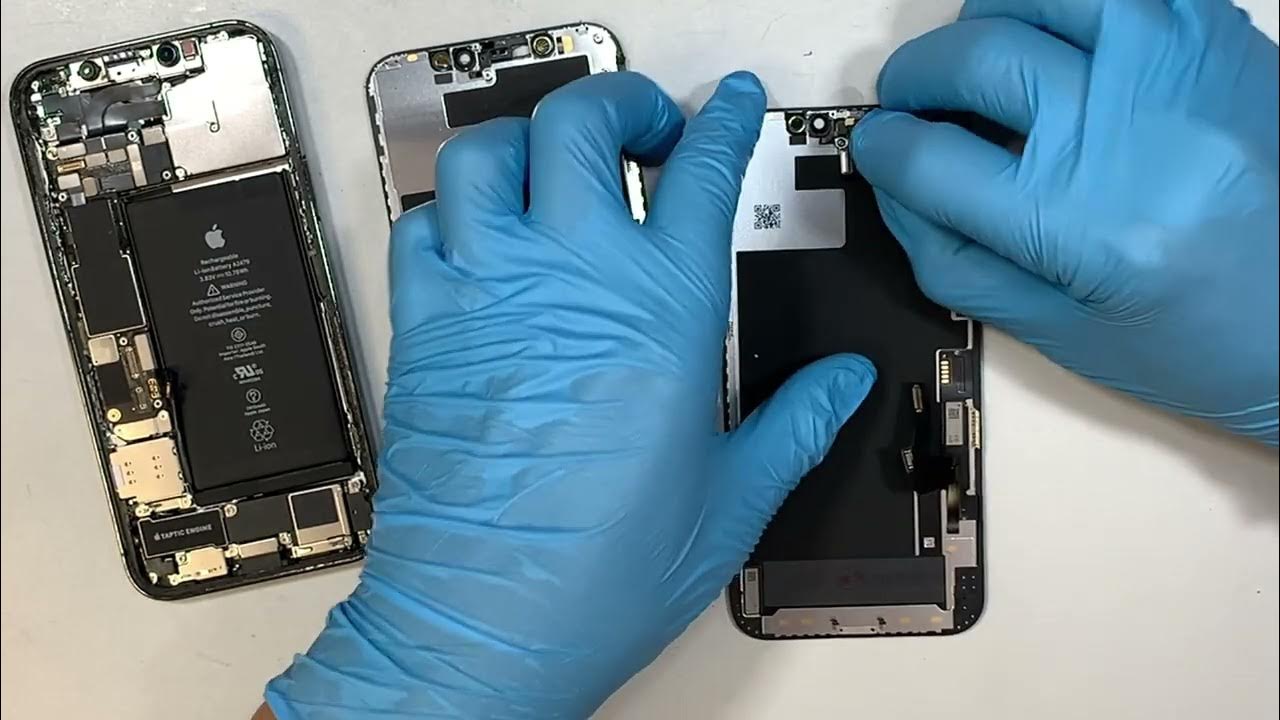
The first step involves opening the device and identifying affected components.
Internal Cleaning
Specialized cleaning solutions remove corrosion and residue from circuit boards and connectors.
Component Testing
Technicians test major hardware components, including:
- Motherboard
- Battery
- Keyboard
- Display
- Storage drives
- Charging ports
Repair or Replacement
Damaged parts are repaired whenever possible. Severely affected components may need replacement.
Quality Testing
The repaired device undergoes testing to ensure stable performance and functionality.
Water Damage in MacBooks
MacBooks are widely used by professionals, students, and business owners. Their compact design makes them vulnerable to liquid spills, especially around the keyboard area.
Common MacBook water damage issues include:
- Keyboard failure
- Trackpad problems
- Battery issues
- Logic board damage
- Charging system failure
Professional MacBook repair services can diagnose the extent of liquid damage and perform advanced board-level repairs when necessary.
Attempting DIY repairs may lead to additional complications and increase overall repair costs.
Water Damage in Microsoft Surface Devices
Surface devices combine tablet and laptop functionality, making them popular among mobile users.
Because of their slim construction, liquids can quickly reach internal components.
Common issues requiring Surface repair Dubai services include:
- Screen malfunctions
- Battery damage
- Charging port failure
- Touchscreen issues
- Motherboard corrosion
Professional repair centers use specialized equipment to safely disassemble and repair Surface devices without causing additional damage.
Importance of Data Recovery after Water Damage
One of the greatest concerns after liquid exposure is data loss.
Important files may include:
- Business documents
- Personal photos
- Academic projects
- Financial records
- Customer databases
When you Book water damage repair Dubai, many service providers also offer data recovery solutions.
Even if the device does not power on, technicians may be able to retrieve valuable information from storage drives before further damage occurs.
How Long Does Water Damage Repair Take?
Repair times vary depending on the extent of the damage.
Typical timelines include:
| Repair Type | Estimated Time |
| Cleaning and inspection | 1–2 days |
| Minor component repair | 2–4 days |
| Motherboard repair | 3–7 days |
| Extensive liquid damage recovery | Up to 10 days |
Early diagnosis often leads to faster repairs and higher recovery success rates.
Preventing Future Liquid Damage
While accidents cannot always be avoided, several precautions can reduce risk.
Use Protective Covers
Keyboard covers and protective cases provide an additional barrier against spills.
Keep Drinks Away
Maintain a safe distance between beverages and electronic devices.
Use Waterproof Bags
Protect laptops and tablets while traveling.
Regular Backups
Store important files in secure cloud storage or external drives.
Act Quickly After Spills
Immediate action significantly improves repair outcomes.
These simple habits can reduce the need to repeatedly Book water damage repair Dubai services.
Choosing a Professional Repair Service
Not all repair providers have experience handling liquid-damaged devices.
When selecting a repair center, consider:
- Experience with water damage repairs
- Diagnostic capabilities
- Availability of genuine replacement parts
- Data recovery support
- Warranty on repairs
- Expertise in MacBook repair services
- Specialized Surface repair Dubai solutions
A professional technician can accurately assess damage and recommend the most effective repair approach.
Conclusion
Liquid damage can affect any electronic device, from laptops and tablets to premium business systems. While a device may seem functional immediately after exposure, hidden corrosion and internal damage can lead to serious problems later.
The best approach is to act quickly, power off the device, avoid DIY fixes, and Book water damage repair Dubai services for a thorough inspection and professional repair. Whether you need advanced MacBook repair services or specialized Surface repair Dubai support, timely intervention can help protect your device, preserve valuable data, and extend the lifespan of your electronics.
By understanding the risks of liquid damage and seeking professional assistance early, you can maximize the chances of a successful repair and avoid costly hardware replacements in the future.