Your iPhone screen is one of the most frequently used parts of the device. From browsing websites and responding to messages to watching videos and managing work, the display handles constant interaction. Scratches, cracks, dead pixels, touch problems, and display discoloration can gradually affect the overall experience.
Understanding proper display care can help reduce unnecessary damage and extend the usable life of your device. However, once the screen has suffered significant physical or functional damage, professional iPhone screen replacement Dubai services may be necessary.
This guide explains practical ways to protect your iPhone display, recognize common screen problems, and understand when replacement may be more suitable than continued use.
Why iPhone Display Care Matters
Modern iPhone displays are designed to provide sharp images, responsive touch controls, and excellent brightness. Despite their durability, screens remain vulnerable to drops, pressure, moisture, sharp objects, and excessive heat.
A damaged display can create more than a cosmetic problem. A small crack may spread across the glass, while touch issues can make normal operation difficult. In some situations, continued use of a damaged screen may also expose internal components to dust or moisture.
Regular display care is therefore useful for maintaining both appearance and functionality.
Common Causes of iPhone Screen Damage
Several everyday situations can affect an iPhone screen.
Accidental Drops
Dropping an iPhone onto concrete, tiles, or other hard surfaces is one of the most common causes of cracked displays. Even when the glass looks intact, an impact can affect touch sensitivity or internal display components.
Pressure and Bending
Keeping an iPhone under heavy objects or placing it in a tightly packed bag can put pressure on the screen. Excessive pressure may contribute to glass cracks or display abnormalities.
Scratches
Keys, coins, rough surfaces, and other objects can create scratches. While minor scratches may not affect functionality, deeper marks can become more noticeable and may compromise the display surface.
Heat and Direct Sunlight
Extreme heat can affect electronic components and battery performance. Avoid leaving your iPhone on a dashboard, near a heater, or in direct sunlight for extended periods.
Moisture Exposure
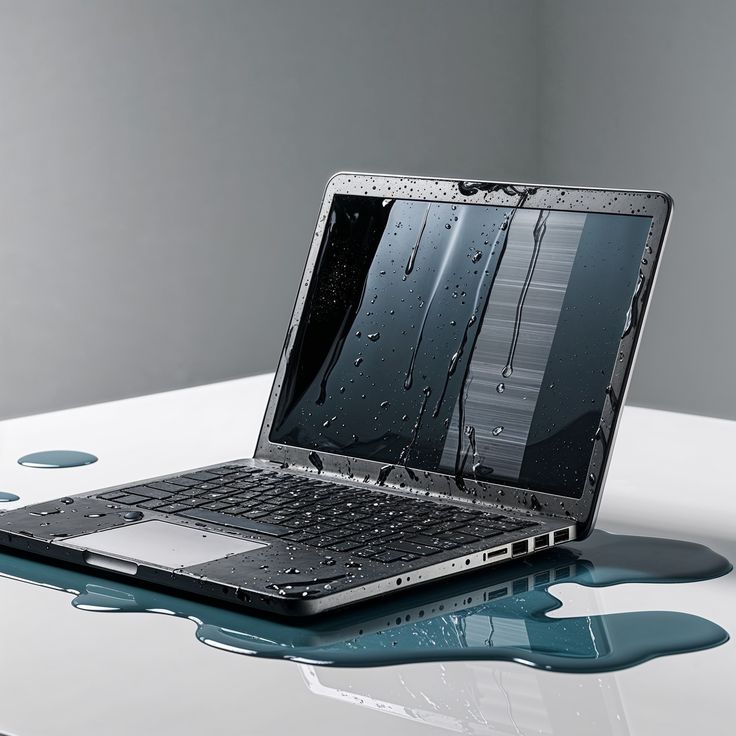
Water and other liquids can cause problems for internal components. Even if an iPhone has some degree of water resistance, that does not make it immune to liquid-related damage.
Practical Ways to Protect Your iPhone Display
Taking simple precautions can reduce the risk of screen damage.
Use a Suitable Screen Protector
A quality screen protector can provide an additional layer between the display and everyday scratches or minor impacts. Choose one that fits your specific iPhone model and does not interfere with touch responsiveness.
A screen protector cannot guarantee protection from every type of impact, but it can help preserve the display surface during normal use.
Choose a Protective Case
A case with raised edges around the display can provide additional protection when the phone is placed face-down or experiences a minor drop. Look for a case that provides coverage without making buttons or ports difficult to access.
Keep Your Phone Away From Sharp Objects
Avoid storing your iPhone in the same pocket or compartment as keys, coins, or other hard objects. Even small particles and sharp edges can gradually mark the display.
Clean the Screen Correctly
Use a soft, lint-free cloth to remove fingerprints and dust. Avoid applying cleaning liquids directly to the screen. Instead, follow the cleaning guidance recommended for your particular iPhone model.
Harsh chemicals, abrasive materials, and excessive moisture can damage the display surface or other components.
Signs Your iPhone Screen May Need Replacement
Not every display problem requires immediate replacement, but certain symptoms deserve attention.
Visible Cracks
A heavily cracked screen can make the phone uncomfortable to use and may allow dust or moisture to reach vulnerable areas. If cracks extend across a large section of the display, replacement may be appropriate.
Unresponsive Touch Areas
If certain sections of the screen do not respond to taps or swipes, the problem may involve the display or touch layer. Restarting the device can help identify temporary software issues, but persistent touch failure may require inspection.
Flickering or Abnormal Display
Lines, flickering, unusual brightness changes, black areas, or distorted colors can indicate display damage. These symptoms should not be ignored, especially if they appeared after a drop or impact.
Dead Pixels or Dark Spots
Individual dead pixels may be difficult to notice, but larger groups of affected pixels or expanding dark spots can interfere with normal viewing.
Ghost Touch
Ghost touch occurs when the display registers touches that you did not make. Software problems can sometimes cause unusual behavior, but persistent ghost touch after physical damage may indicate a hardware issue.
When iPhone Screen Replacement May Be Appropriate
If your iPhone has severe cracks, persistent touch problems, display lines, or significant visual distortion, continuing to use the device may become inconvenient.
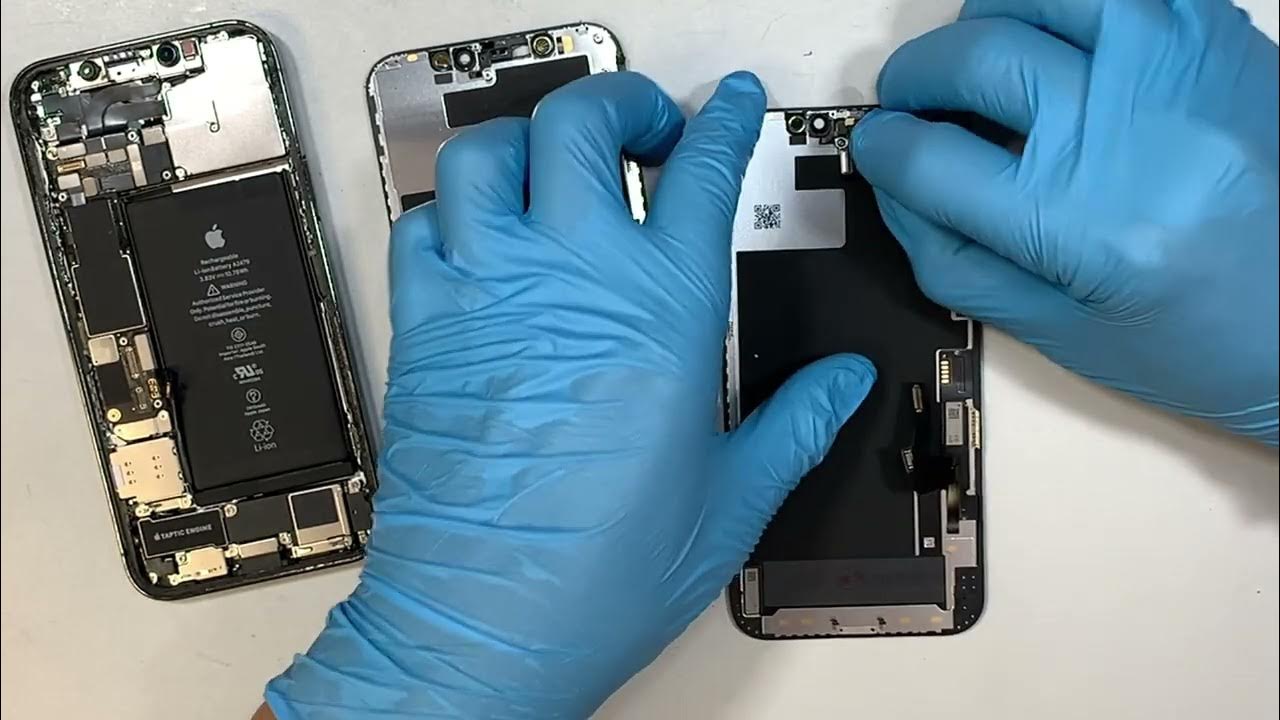
Before arranging iPhone screen replacement Dubai, it is useful to back up important information whenever the device is still operational. A technician can then inspect the phone and determine whether the display assembly requires replacement or whether another component is responsible for the problem.
A professional assessment can also help distinguish between software-related display behavior and physical hardware damage.
Choosing the Right Replacement Approach
Screen replacement should involve compatibility with the specific iPhone model. Different generations may use different display technologies and components, so selecting a suitable replacement part is important.
During a repair, attention should also be given to touch functionality, display brightness, color consistency, and overall fit. After replacement, the screen should be checked for responsiveness and visual abnormalities.
If your iPhone has experienced additional damage, such as frame deformation or liquid exposure, the repair process may involve more than simply replacing the display.
Display Care After Screen Replacement
Once a replacement screen has been installed, maintaining it properly can help preserve its condition.
Use a suitable case and screen protector, avoid excessive pressure, and keep the device away from extreme temperatures. Clean the display with appropriate materials and avoid placing the phone on rough surfaces.
It is also sensible to address new display abnormalities promptly rather than continuing to use a screen that is becoming increasingly difficult to operate.
Related Device Screen and Repair Services
Display problems are not limited to smartphones. Laptops, tablets, and computers can also develop cracked panels, flickering displays, damaged hinges, or image-related problems.
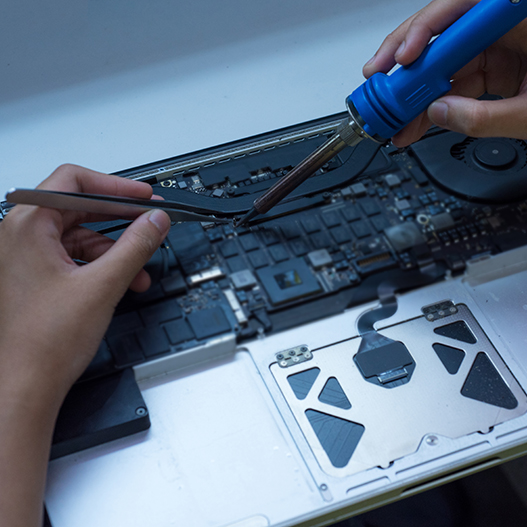
For Mac users, MacBook repair Dubai services may cover display issues alongside other hardware concerns. A damaged MacBook display can affect productivity, particularly when working with documents, design applications, or other visual content.
Similarly, Computer screen repair Dubai services can address certain desktop monitor and computer display problems. Depending on the type of damage, repair may involve checking cables, connectors, internal components, or replacing the display panel.
Understanding the cause of a display problem before replacing hardware can prevent unnecessary repairs.
How to Reduce Future Screen Damage
Developing a few simple habits can make a noticeable difference. Carry your iPhone securely, avoid placing heavy objects on it, and do not leave it exposed to excessive heat.
When using the device outdoors, be conscious of situations where it could slip from your hand. A protective case with adequate grip can reduce accidental drops.
It is also useful to keep your screen clean. Dust and debris can accumulate around edges and ports, while rough cleaning methods can create unnecessary surface wear.
Final Thoughts
An iPhone display can withstand considerable everyday use, but careful handling remains important. A suitable case, screen protector, correct cleaning technique, and protection from heat and moisture can help maintain display quality.
When damage does occur, recognizing the symptoms early can make it easier to determine the appropriate solution. Cracks, unresponsive touch areas, flickering, dead pixels, and abnormal display behavior may indicate that iPhone screen replacement Dubai is worth considering.
Whether you are maintaining an iPhone, looking into MacBook repair Dubai, or researching Computer screen repair Dubai, understanding the source of display problems is an important first step. Proper care combined with timely attention to hardware issues can help keep your devices functional and comfortable to use.