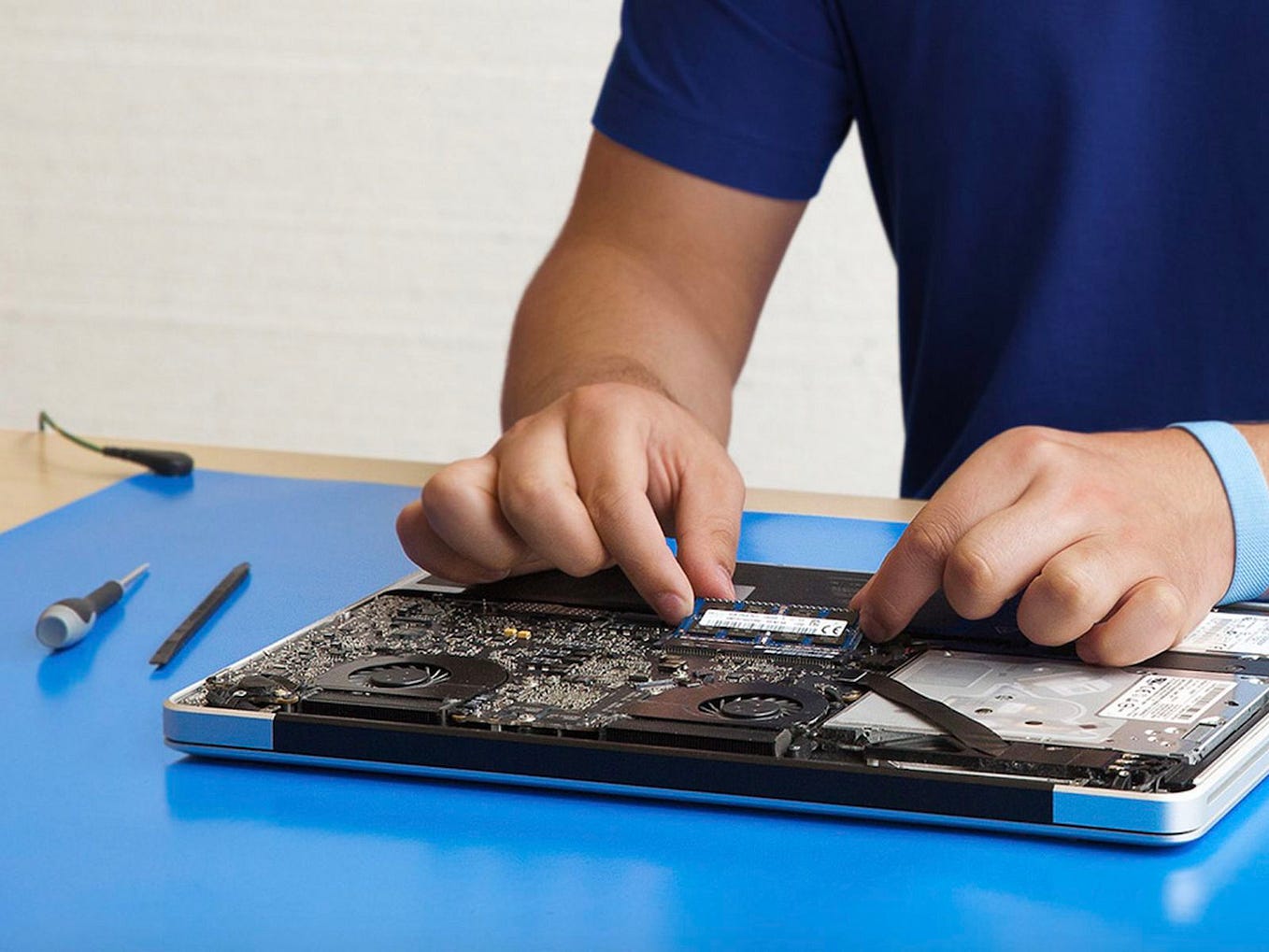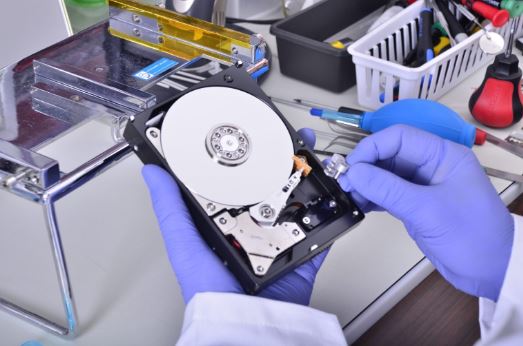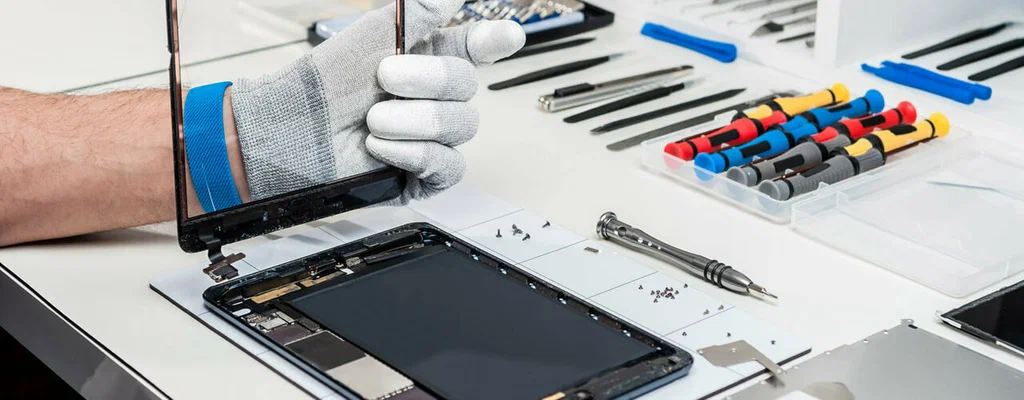
A MacBook is a significant investment for students, professionals, and business owners. Whether you use it for work, creative projects, or everyday browsing, keeping it in excellent condition helps you avoid costly repairs and unexpected downtime. While Apple devices are known for their durability, regular maintenance and proper usage habits play a major role in extending their lifespan.
Knowing when to seek MacBook repair services can prevent minor issues from turning into expensive hardware failures. Similarly, if you own multiple devices, professional Surface repair Dubai solutions ensure your Microsoft Surface performs efficiently for years. In cases of accidental spills, immediate MacBook water damage repair Dubai services can save your laptop from permanent damage.
This guide explains practical tips to maximize your MacBook’s lifespan while highlighting when professional repair services become essential.
Why MacBook Maintenance Matters
Every MacBook contains delicate internal components that experience wear over time. Dust buildup, overheating, battery degradation, and accidental damage can significantly reduce performance.
Routine maintenance helps:
- Improve overall speed
- Extend battery life
- Prevent overheating
- Reduce repair costs
- Protect important data
- Increase device longevity
Instead of waiting until your MacBook stops working, preventative care keeps your laptop operating efficiently.
Keep Your MacBook Clean
Dust and debris gradually accumulate inside ventilation areas and around the keyboard.
Simple cleaning habits include:
- Wiping the screen using a microfiber cloth
- Cleaning the keyboard regularly
- Removing dust from air vents
- Keeping liquids away from the laptop
Never use harsh chemicals directly on the display.
If excessive dust affects cooling performance, professional MacBook repair services can safely clean internal components without risking hardware damage.
Avoid Overheating
Heat is one of the biggest threats to laptop performance.
To reduce overheating:
- Use your MacBook on hard, flat surfaces
- Avoid blocking ventilation
- Close unused applications
- Keep macOS updated
- Avoid prolonged heavy workloads without cooling breaks
Persistent overheating may indicate internal issues requiring professional diagnosis.
Protect Battery Health
MacBook batteries naturally lose capacity over time, but proper charging habits can slow battery degradation.
Helpful battery practices include:
- Avoid keeping the battery at 0% regularly
- Unplug after reaching full charge when practical
- Use genuine charging accessories
- Enable Optimized Battery Charging in macOS
- Avoid exposing the battery to extreme temperatures
If your MacBook battery drains unusually fast, professional MacBook repair services can determine whether replacement is necessary.
Update macOS Regularly
Software updates improve:
- Security
- Battery optimization
- Performance
- System stability
- Compatibility with applications
Keeping macOS current reduces software-related issues while ensuring your MacBook runs efficiently.
Use Protective Accessories
Physical protection reduces accidental damage.
Recommended accessories include:
- Protective laptop sleeve
- Keyboard cover
- Hard shell case
- Screen protector
- Padded carrying bag
Although accessories cannot prevent every accident, they significantly reduce everyday wear.
Prevent Liquid Damage
Liquid spills remain one of the most common reasons for laptop repairs.
If water, coffee, or any liquid spills onto your MacBook:
- Turn it off immediately.
- Disconnect the charger.
- Remove connected accessories.
- Do not attempt to power it back on.
- Seek MacBook water damage repair Dubai as quickly as possible.
Professional technicians use specialized cleaning methods to remove corrosion before it permanently damages internal circuits.
Delaying repair often increases the cost because corrosion spreads rapidly across the logic board.
Monitor Storage Space
A nearly full SSD can reduce system responsiveness.
To maintain performance:
- Delete unnecessary files
- Empty the Trash regularly
- Remove unused applications
- Store large files in cloud storage
- Backup old projects to external drives
Maintaining sufficient free storage allows macOS to operate efficiently.
Backup Your Data Frequently
Even well-maintained laptops can experience unexpected hardware failure.
Reliable backup options include:
- Time Machine
- External SSDs
- Cloud storage
- Business backup solutions
Regular backups protect important documents, photos, and work files during hardware repairs.
Be Careful During Travel
Frequent travel increases the likelihood of accidental damage.
Travel safely by:
- Using a padded laptop bag
- Avoiding pressure on the screen
- Keeping liquids separate
- Removing heavy objects from your backpack
- Never leaving your laptop inside a hot vehicle
Physical impacts are among the leading causes of cracked displays and damaged internal components.
Watch for Early Warning Signs
Small problems often develop into major repairs when ignored.
Common warning signs include:
- Battery swelling
- Slow startup
- Frequent crashes
- Loud cooling fan
- Overheating
- Flickering display
- Charging problems
- Keyboard malfunction
- Random shutdowns
Seeking MacBook repair services early usually reduces repair complexity and costs.
Why Professional Repairs Matter
Attempting DIY repairs without proper tools can cause additional damage.
Professional technicians provide:
- Accurate diagnostics
- Genuine replacement parts
- Safe internal cleaning
- Proper battery replacement
- Logic board repair
- Screen replacement
- Keyboard repair
- Software troubleshooting
Experienced repair specialists also test the device thoroughly before returning it.
Surface Repair Dubai Services
Many professionals use both MacBooks and Microsoft Surface devices.
If your Surface experiences:
- Screen damage
- Battery issues
- Charging failures
- Keyboard problems
- Water damage
- Software errors
Professional Surface repair Dubai services can restore functionality while protecting valuable business data.
Choosing technicians experienced with both Apple and Microsoft devices simplifies maintenance for users managing multiple systems.
Choosing the Right Repair Provider
Before selecting a repair center, consider:
- Technician experience
- Genuine replacement components
- Diagnostic capabilities
- Repair warranty
- Transparent pricing
- Positive customer reviews
- Fast turnaround times
A quality repair provider focuses on long-term device performance rather than temporary fixes.
Common MacBook Repairs
Professional repair centers frequently handle:
- Screen replacement
- Battery replacement
- Keyboard repair
- Trackpad repair
- SSD upgrades
- Logic board repair
- Charging port repair
- Fan replacement
- Speaker repair
- MacBook water damage repair Dubai
Addressing these issues promptly helps extend your MacBook’s overall lifespan.
Tips for Long-Term Performance
Follow these habits consistently:
- Keep software updated.
- Avoid extreme temperatures.
- Clean your MacBook regularly.
- Protect it during travel.
- Charge responsibly.
- Backup important files.
- Don’t ignore unusual noises or overheating.
- Seek professional MacBook repair services when problems first appear.
Small maintenance habits can add years to your MacBook’s usable life.
Conclusion
Your MacBook is designed to deliver years of reliable performance, but its longevity depends on proper care and timely maintenance. Regular cleaning, battery care, software updates, safe handling, and proactive troubleshooting all contribute to extending its lifespan while reducing unexpected repair costs.
When issues arise, professional MacBook repair services ensure accurate diagnostics and dependable repairs. For accidental spills, prompt MacBook water damage repair Dubai can prevent irreversible internal damage, while users of Microsoft devices can also benefit from specialized Surface repair Dubai solutions.