Overheating is one of the most common reasons laptops develop serious hardware problems. Many users ignore rising temperatures until the device starts shutting down unexpectedly, slowing down during important tasks, or refusing to power on. While modern laptops include built-in thermal protection, continuous exposure to excessive heat can reduce performance, shorten component lifespan, and even lead to permanent data loss.
Whether you use your laptop for work, study, gaming, or business, understanding the effects of overheating can help you avoid expensive repairs. If your device already shows signs of heat-related issues, professional Laptop repair Dubai services can diagnose and resolve the problem before it becomes more severe. In cases where valuable files become inaccessible, Data recovery Dubai specialists can help retrieve important information, while users with Apple tablets can also benefit from professional iPad Repair Services in Dubai, UAE for similar hardware concerns.
What Causes Laptop Overheating?
Laptops generate heat whenever the processor, graphics chip, storage drive, and battery are in use. Under normal conditions, cooling fans and ventilation systems remove this heat efficiently. Problems begin when cooling becomes less effective.
Some of the most common causes include:
- Dust blocking cooling vents
- Faulty or slow cooling fans
- Dried thermal paste between the processor and heat sink
- Running multiple demanding applications simultaneously
- Poor airflow caused by using the laptop on soft surfaces
- Aging batteries producing excess heat
- High ambient temperatures
Even a small increase in operating temperature over long periods can affect overall system stability.
Warning Signs Your Laptop Is Overheating
Recognizing early symptoms allows you to address the issue before permanent damage occurs.
Common warning signs include:
Excessive Fan Noise
If the cooling fan runs continuously at maximum speed, your laptop may be struggling to regulate internal temperatures.
Slow Performance
Modern processors automatically reduce speed when temperatures become too high. This process, known as thermal throttling, helps protect hardware but noticeably reduces performance.
Unexpected Shutdowns
Automatic shutdowns are often safety measures designed to prevent severe hardware damage.
Hot Keyboard or Base
A laptop that becomes uncomfortable to touch may require immediate inspection.
Display Problems
Overheating can affect the graphics processor, leading to flickering screens, distorted images, or random crashes.
Professional Laptop repair Dubai technicians can determine whether these symptoms result from overheating or another hardware issue.
How Overheating Damages Laptop Components
Heat affects nearly every internal component of a laptop. Although occasional temperature spikes are normal, continuous overheating accelerates wear and increases repair costs.
Processor Damage
The CPU performs millions of calculations every second, generating significant heat. Prolonged overheating can reduce efficiency and shorten processor lifespan.
Graphics Chip Failure
Many modern laptops rely on dedicated graphics processors. Excessive temperatures can weaken solder connections and eventually cause graphics failure.
Motherboard Problems
Heat expansion and contraction place stress on motherboard circuits. Over time, this may result in intermittent faults or complete motherboard failure.
Battery Degradation
Lithium-ion batteries are highly sensitive to heat. Elevated temperatures reduce battery capacity and increase the rate of chemical aging.
Storage Device Failure
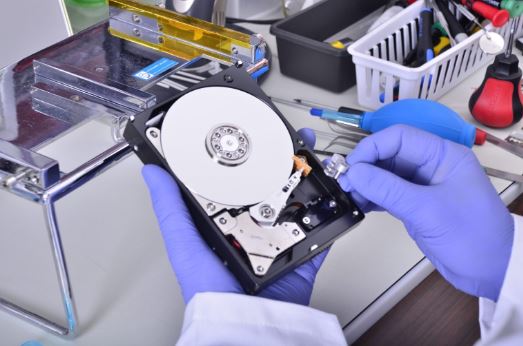
Although SSDs generate less heat than traditional hard drives, excessive temperatures can still reduce storage reliability. Hard disk drives are even more vulnerable because of their moving mechanical parts.
If overheating causes storage failure, Data recovery Dubai professionals may be able to recover important documents, photos, and business files.
Can Overheating Cause Data Loss?
Yes. Overheating increases the risk of unexpected shutdowns and storage device failure.
Potential consequences include:
- Corrupted operating system files
- Lost work during sudden shutdowns
- Damaged hard drives
- File system corruption
- Inaccessible business documents
- Missing family photos and videos
When important files become unavailable, avoid repeatedly restarting the laptop, as continued use may worsen the damage. Instead, consult Data recovery Dubai specialists who use professional recovery techniques designed to maximize successful retrieval.
Simple Ways to Prevent Laptop Overheating
Preventive maintenance significantly reduces the likelihood of expensive repairs.
Keep Air Vents Clean
Dust accumulation blocks airflow and reduces cooling efficiency. Cleaning vents regularly helps maintain proper ventilation.
Use a Hard Surface
Beds, cushions, and sofas often block cooling vents. A flat desk provides better airflow.
Avoid Direct Sunlight
Using your laptop in extremely hot environments increases internal temperatures.
Update Software
Operating system and driver updates often improve power management and thermal performance.
Close Unnecessary Programs
Running many applications simultaneously places additional load on the processor.
Monitor Temperature
Hardware monitoring software helps identify unusual temperature increases before they become critical.
Schedule Regular Maintenance
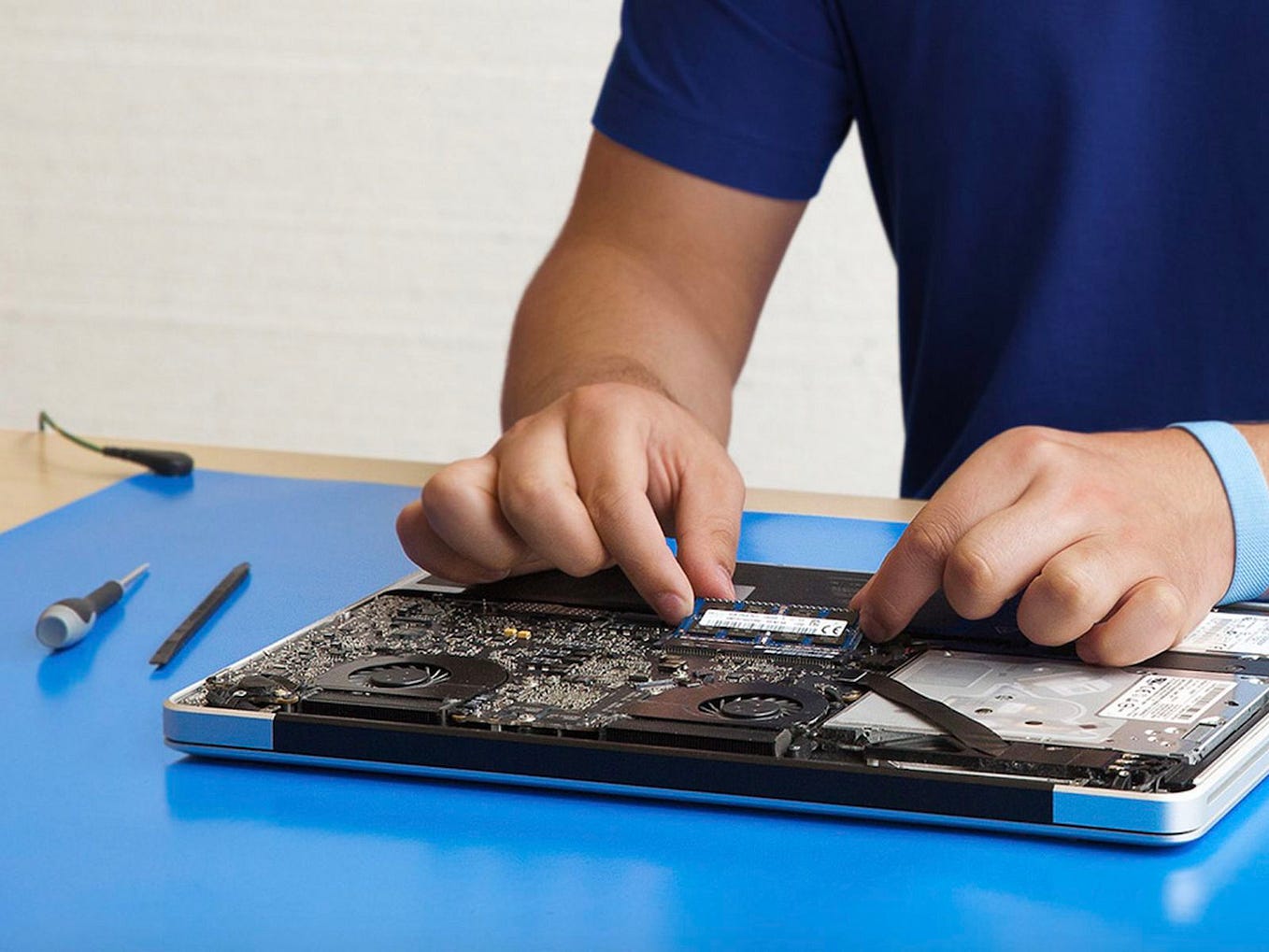
Professional internal cleaning removes dust from components that cannot be reached safely at home. Many Laptop repair Dubai service providers recommend preventive maintenance every 6 to 12 months.
When Professional Repair Is Necessary
Some overheating issues require specialized tools and technical expertise.
Professional repair may be needed if:
- Cooling fans stop working
- Thermal paste requires replacement
- Heat sinks become loose
- Motherboard components overheat
- Battery swelling occurs
- Liquid damage affects cooling performance
Attempting complex repairs without proper experience may create additional damage and increase repair costs.
Experienced Laptop repair Dubai technicians can perform complete diagnostics, identify the root cause, and replace damaged components using appropriate repair procedures.
Overheating and Apple Devices
Although Apple tablets generate less heat than laptops, prolonged overheating can also affect iPads.
Possible issues include:
- Battery deterioration
- Reduced touchscreen responsiveness
- Performance slowdowns
- Charging problems
- Unexpected restarts
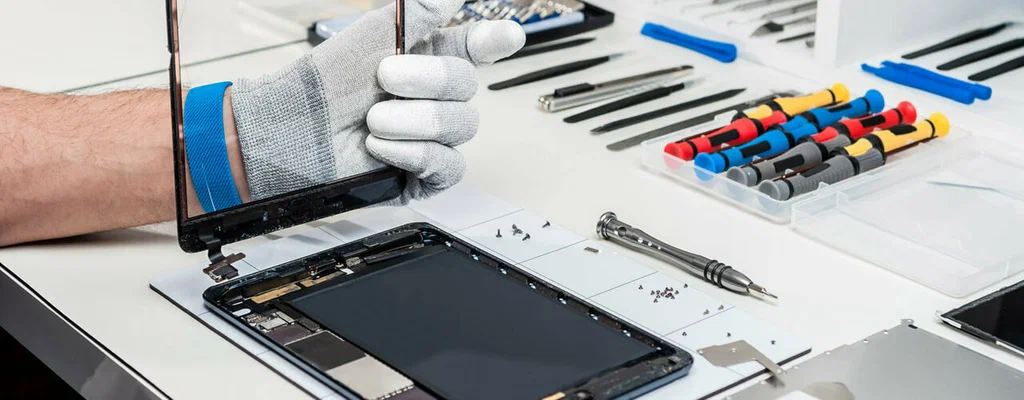
Professional iPad Repair Services in Dubai, UAE can inspect overheating-related issues, replace damaged batteries, and restore normal device performance using quality replacement components.
Why Timely Repairs Matter
Ignoring overheating rarely solves the problem. Instead, temperatures continue rising until multiple components become affected.
Early repairs offer several benefits:
- Lower repair costs
- Improved device performance
- Longer hardware lifespan
- Better battery health
- Reduced risk of permanent data loss
- Increased system reliability
Routine maintenance is considerably less expensive than replacing a damaged motherboard or recovering lost business data.
Choosing the Right Repair Service
When selecting a repair provider, consider several important factors.
Look for technicians who offer:
- Comprehensive hardware diagnostics
- Transparent repair recommendations
- Genuine or high-quality compatible replacement parts
- Experience with multiple laptop brands
- Professional data protection procedures
- Support for Data recovery Dubai services
- Repairs for laptops, tablets, and iPad Repair Services in Dubai, UAE
Choosing an experienced repair center helps ensure accurate diagnosis and long-lasting repair results.
Final Thoughts
Laptop overheating is more than a temporary inconvenience. Excessive heat can damage processors, graphics chips, batteries, storage devices, and motherboards while increasing the risk of permanent data loss. Recognizing early warning signs and taking preventive action can significantly extend the life of your device.
If your system frequently overheats, slows down, or shuts off unexpectedly, seeking professional Laptop repair Dubai services is the safest solution. Should overheating lead to inaccessible files, experienced Data recovery Dubai specialists can assist in recovering valuable information. Likewise, users experiencing thermal issues with Apple tablets can rely on professional iPad Repair Services in Dubai, UAE to restore performance and protect their devices.