Accidental spills are one of the most common causes of laptop damage, especially for premium devices like MacBooks. Whether it’s coffee, water, or juice, liquid exposure can quickly lead to serious internal issues if not handled correctly. In a fast-paced city like Dubai, where professionals rely heavily on their devices, knowing how to respond immediately can make all the difference.
This guide on MacBook water damage repair Dubai covers everything you need to know—from immediate spill response to long-term repair solutions. We’ll also touch on related services such as MacBook screen replacement Dubai and Surface repair Dubai, since liquid damage can affect multiple components beyond just the motherboard.
What Happens When a MacBook Gets Wet?
MacBooks are not waterproof. Even a small amount of liquid can seep into internal components and cause:
- Short circuits on the logic board
- Corrosion of metal parts over time
- Damage to the keyboard and trackpad
- Screen malfunctions or display flickering
- Battery issues or failure to power on
Liquids containing sugar or salt (like soft drinks or seawater) are even more damaging because they leave conductive residues behind.
Immediate Steps After a Spill
Acting quickly is critical. The first few minutes after a spill can determine whether your device is repairable or permanently damaged.
- Power Off Immediately
Shut down your MacBook right away. If it’s already off, do not turn it on to “check” if it still works.
- Disconnect Everything
Unplug the charger, remove connected devices, and detach accessories.
- Turn It Upside Down
Place the MacBook in an inverted “V” shape (keyboard facing down) to prevent liquid from spreading deeper.
- Wipe External Liquid
Use a lint-free cloth to gently remove visible moisture.
- Avoid Heat Sources
Do not use a hairdryer or place the laptop in direct sunlight. Heat can push liquid further inside and worsen the damage.
Common Mistakes to Avoid
Many users unintentionally make things worse after a spill. Avoid these common errors:
- Turning the device back on too soon
- Using rice as a drying method (ineffective for internal moisture)
- Ignoring minor spills assuming no damage occurred
- Delaying professional inspection
Even if your MacBook seems fine initially, corrosion can develop over days or weeks.
Signs Your MacBook Needs Repair
After a liquid incident, watch for these warning signs:
- Keyboard keys not responding or typing incorrectly
- Trackpad behaving erratically
- Screen flickering or showing lines
- Device overheating
- Battery draining unusually fast
- MacBook not turning on
If you notice any of these, it’s time to consider MacBook water damage repair Dubai services.
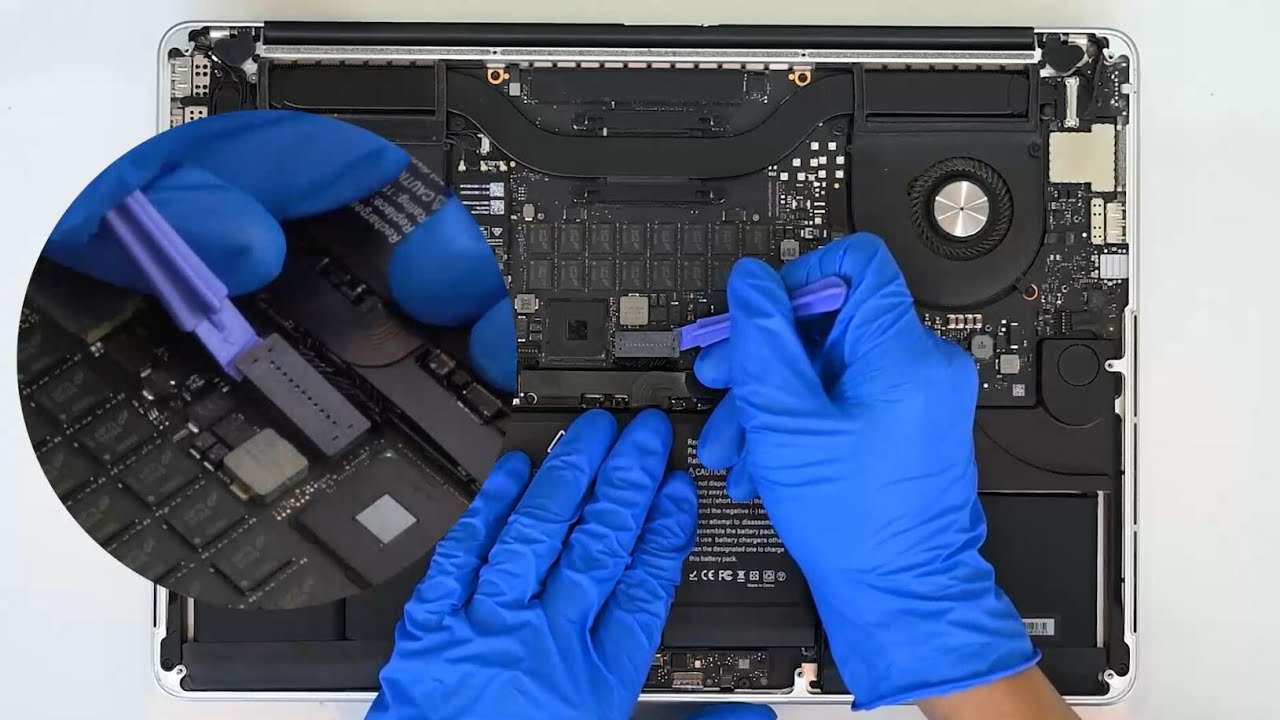
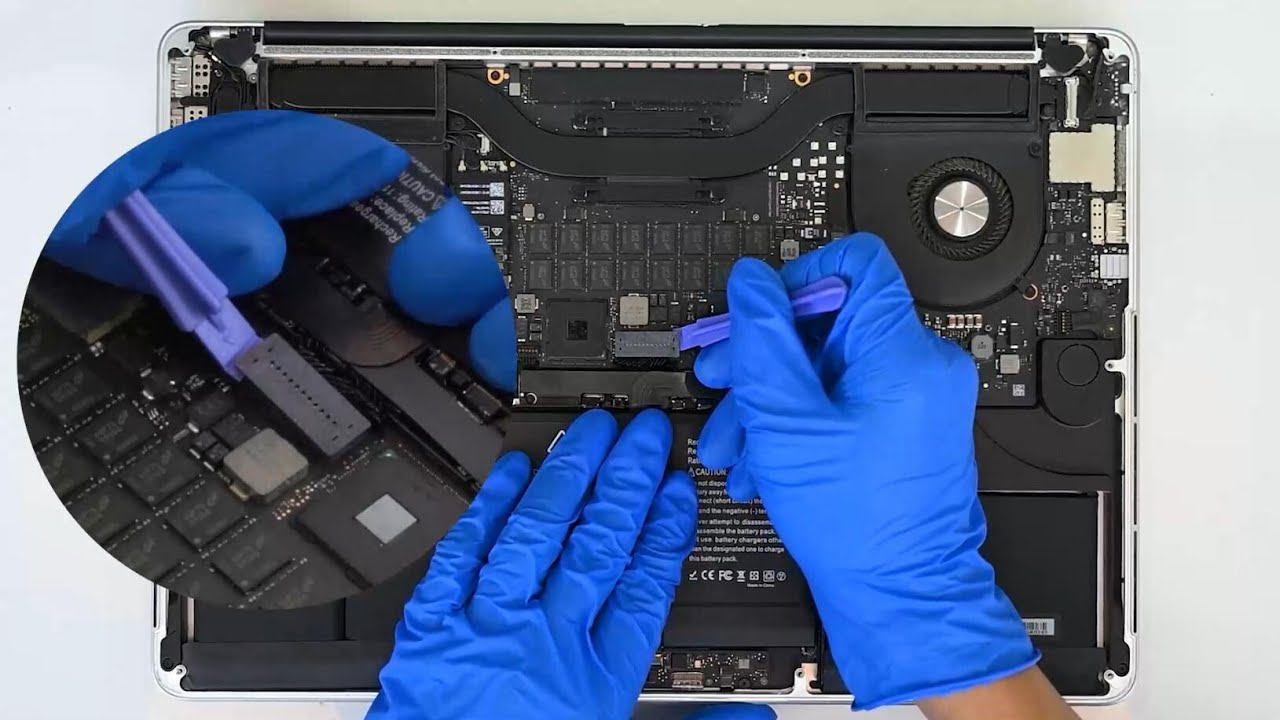
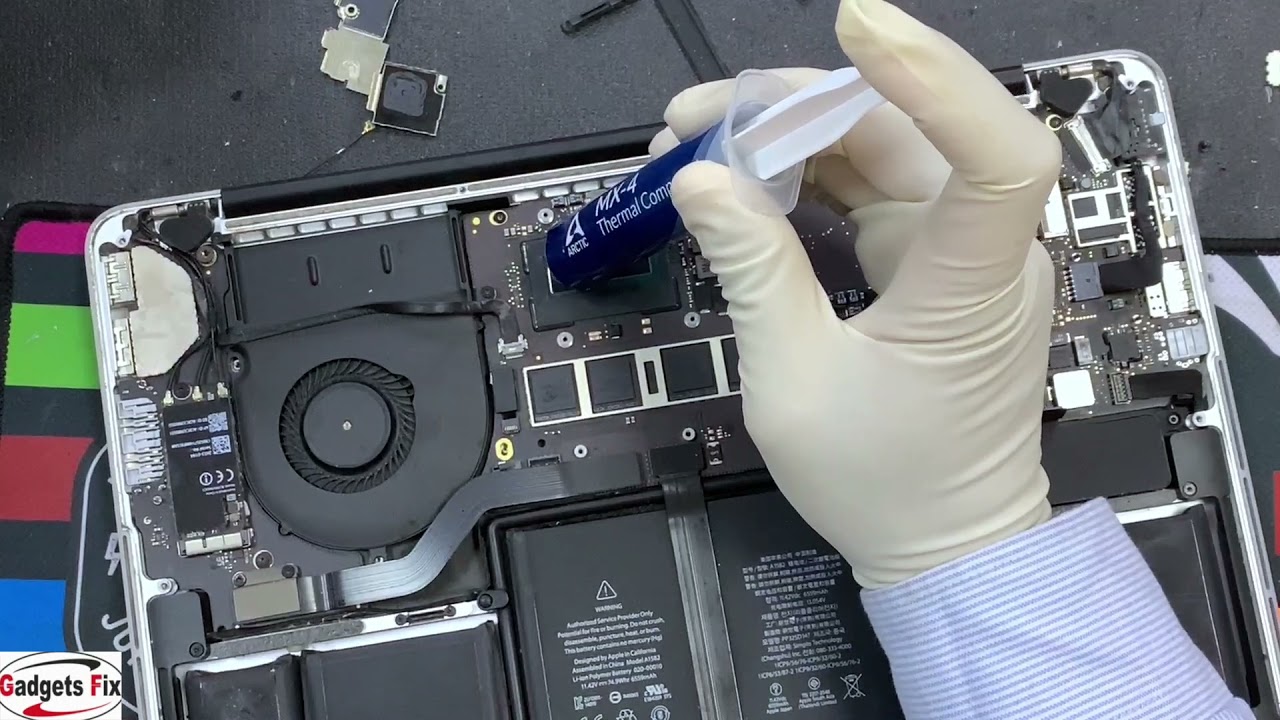
Professional Repair Process in Dubai
When you take your device to a repair center, technicians typically follow a structured process:
- Diagnostic Assessment
Technicians inspect internal components to identify affected areas.
- Internal Cleaning
Specialized tools and solutions are used to clean corrosion and residue from the logic board.
- Component Testing
Each part—keyboard, battery, screen, ports—is tested individually.
- Repair or Replacement
Damaged components are either repaired or replaced depending on severity.
- Final Quality Check
The device undergoes performance testing before being returned.
This process ensures that your MacBook is not only functional but stable for long-term use.
When Screen Replacement Is Needed
Liquid damage often affects the display. You may need MacBook screen replacement Dubai if you notice:
- Black spots or patches
- Flickering or dim display
- Horizontal or vertical lines
- Complete screen failure
In some cases, moisture seeps into the display layers, making repair impossible without full replacement.
Impact on Keyboard and Trackpad
The keyboard is usually the first component affected because it sits directly under the spill area. Common issues include:
- Sticky or unresponsive keys
- Random keystrokes
- Backlight failure
Similarly, the trackpad may stop responding or behave unpredictably. These components often require replacement rather than repair.
Logic Board Damage: The Most Serious Case
The logic board is the heart of your MacBook. If liquid reaches this component, it can cause:
- Short circuits
- Burnt chips
- Data loss
Advanced MacBook water damage repair Dubai services can sometimes repair logic boards using micro-soldering techniques. However, severe damage may require full replacement.
Data Recovery After Water Damage
One of the biggest concerns is losing important data. The good news is:
- Data can often be recovered even if the MacBook doesn’t turn on
- Specialized tools can extract data from damaged storage devices
- Early intervention increases recovery success rates
Always inform your technician if data recovery is a priority.
How Surface Devices Compare
If you’re using a Microsoft Surface device, the risks are similar. Liquid damage affects:
- Touchscreen responsiveness
- Internal circuits
- Battery performance
Surface repair Dubai services follow a similar approach but may require different tools due to the device’s compact design.
Cost Factors for Repair in Dubai
The cost of MacBook water damage repair Dubai depends on several factors:
- Type of liquid spilled
- Extent of internal damage
- Model and year of the MacBook
- Components needing replacement
For example:
- Minor cleaning may cost less
- Logic board repairs are more complex
- Screen replacements add to the total cost
Getting a diagnostic report first helps you understand the exact repair scope.
Preventive Tips to Avoid Future Damage
Prevention is always better than repair. Here are some practical tips:
Keep Liquids Away
Avoid placing drinks near your laptop, especially on crowded desks.
Use Protective Covers
Keyboard covers and cases can provide a basic level of protection.
Work in Safe Environments
Avoid using your MacBook near pools, beaches, or kitchens.
Regular Maintenance
Periodic cleaning and inspection can help detect early signs of damage.
How Fast Should You Act?
Time is critical. Ideally:
- Take immediate action within minutes of the spill
- Seek professional help within 24 hours
- Avoid using the device until inspected
The faster you act, the higher the chances of successful repair.
DIY vs Professional Repair
While some users attempt DIY fixes, it’s rarely recommended for water damage.
DIY Risks:
- Incomplete drying
- Internal corrosion left untreated
- Accidental component damage
Professional Advantages:
- Proper tools and cleaning solutions
- Accurate diagnosis
- Higher success rates
For reliable results, professional MacBook water damage repair Dubai services are the safer option.
Choosing the Right Repair Service
When selecting a repair provider in Dubai, consider:
- Experience with MacBook repairs
- Availability of genuine parts
- Diagnostic transparency
- Warranty on repairs
These factors ensure that your device receives proper care and long-term reliability.
Final Thoughts
Water damage can be stressful, but it doesn’t always mean the end of your MacBook. With quick action and the right repair approach, many devices can be restored to full functionality.
This guide on MacBook water damage repair Dubai highlights the importance of immediate response, professional diagnostics, and preventive care. Whether you need internal cleaning, MacBook screen replacement Dubai, or even Surface repair Dubai, acting fast is the key to saving both your device and your data.