Water damage is one of the most common issues affecting tablets, especially iPads that are frequently used at home, in offices, during travel, and in outdoor environments. A small spill, accidental drop into water, or exposure to moisture can cause significant internal damage that may not be immediately visible. Understanding how professionals handle water-damaged devices can help users take the right steps to minimize damage and improve the chances of recovery.
Professional iPad Repair Services in Dubai, UAE follow a structured process to diagnose, clean, repair, and restore water-damaged iPads. Depending on the severity of the exposure, technicians may also perform advanced procedures related to Data recovery Dubai services to retrieve important files and information. In many repair centers, expertise in tablet repairs is often complemented by experience in Laptop repair Dubai, allowing technicians to work with a wide range of electronic devices affected by liquid damage.
Understanding Water Damage in iPads
Water damage occurs when liquid enters the internal components of an iPad and interferes with electrical circuits. Unlike visible screen cracks or battery issues, liquid damage often affects multiple parts simultaneously.
Common sources of water damage include:
- Accidental spills from drinks
- Exposure to rain or humidity
- Dropping the device into water
- Moisture buildup from improper storage
- Liquid leaks inside bags or backpacks
Even a small amount of liquid can cause corrosion on internal components, resulting in performance issues or complete device failure.
Common Signs of Water-Damaged iPads
The symptoms of water damage may appear immediately or develop over time. Professional iPad Repair Services in Dubai, UAE often inspect devices for the following signs:
Screen Problems
Water can affect the display assembly, causing:
- Flickering screens
- Discoloration
- Black spots
- Touchscreen unresponsiveness
Charging Issues
Liquid exposure can damage charging circuits, resulting in:
- Slow charging
- Intermittent charging
- Complete charging failure
Audio Malfunctions
Water entering speakers or microphones may cause:
- Distorted sound
- Reduced volume
- Non-functional microphones
Battery Problems
Corrosion can affect battery performance and lead to:
- Rapid battery drain
- Overheating
- Unexpected shutdowns
Device Not Turning On
In severe cases, the iPad may fail to power on due to motherboard damage.
Immediate Steps After Water Exposure
The actions taken immediately after an incident can significantly impact repair outcomes.
Turn Off the Device
If the iPad is still functioning, it should be powered off immediately. Continuing to use a wet device can increase the risk of short circuits.
Disconnect Accessories
Remove charging cables, headphones, keyboards, and other connected accessories.
Dry the Exterior
Use a soft, lint-free cloth to remove visible moisture from the device’s surface.
Avoid Heat Sources
Hair dryers, ovens, or direct sunlight can cause additional damage to sensitive components.
Seek Professional Assistance
Contacting iPad Repair Services in Dubai, UAE as soon as possible improves the likelihood of successful repairs and data recovery.
Professional Water Damage Assessment Process
When a water-damaged iPad arrives at a repair facility, technicians begin with a comprehensive inspection.
Initial Diagnostics
The first step involves checking:
- Power functionality
- Charging circuits
- Display condition
- Internal moisture indicators
- Logic board status
Advanced diagnostic equipment helps identify hidden damage that may not be visible during a basic inspection.
Device Disassembly
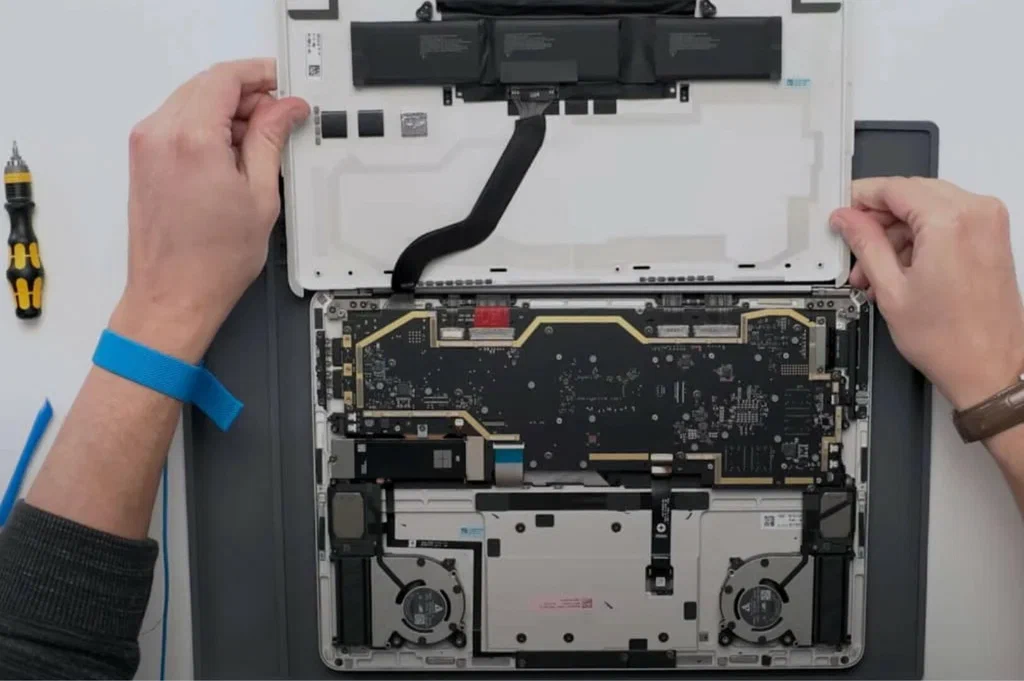
Technicians carefully open the iPad to inspect internal components. This stage allows them to locate moisture accumulation and corrosion.
Professional repair centers avoid unnecessary force during disassembly to prevent additional damage.
Cleaning and Corrosion Removal
One of the most important stages of water damage repair involves cleaning contaminated components.
Specialized Cleaning Solutions
Repair technicians use electronic-grade cleaning agents designed to remove:
- Water residue
- Mineral deposits
- Corrosion buildup
These solutions help restore electrical conductivity and prevent further deterioration.
Ultrasonic Cleaning
Many advanced iPad Repair Services in Dubai, UAE use ultrasonic cleaning systems. These systems generate microscopic vibrations that remove contaminants from delicate electronic circuits.
Ultrasonic cleaning is particularly effective for restoring logic boards affected by moisture.
Component Testing and Replacement
After cleaning, each component undergoes detailed testing.
Screen Evaluation
The display assembly is tested for:
- Touch responsiveness
- Brightness consistency
- Color accuracy
Damaged screens may require replacement.
Battery Inspection
Water exposure can compromise battery safety. Technicians evaluate:
- Battery health
- Charging performance
- Temperature stability
Replacement is recommended when battery damage is detected.
Charging Port Repair
Corrosion often affects charging connectors. Repair specialists inspect and replace damaged ports when necessary.
Logic Board Repair
The logic board is one of the most critical and complex components in an iPad.
Technicians may perform:
- Circuit repairs
- Micro-soldering
- Component replacement
- Trace reconstruction
These procedures require specialized equipment and technical expertise.
The Role of Data Recovery Services
For many users, recovering important data is just as important as repairing the device itself.
Why Data Recovery Matters
Water damage can threaten access to:
- Business documents
- Personal photos
- Videos
- Contacts
- Application data
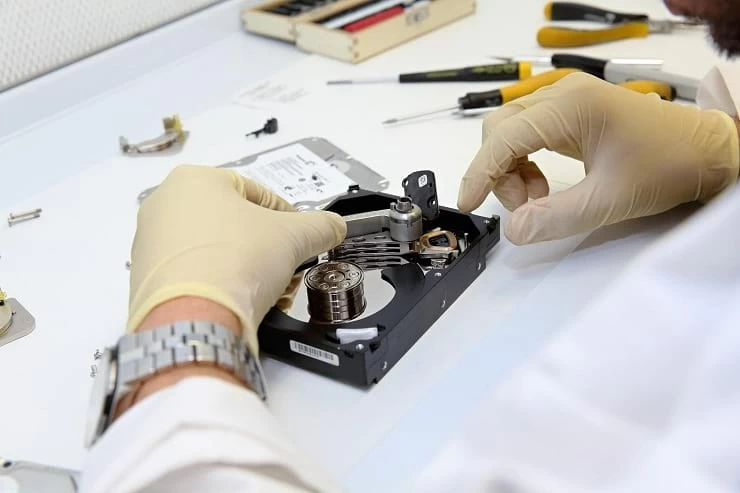
Professional Data recovery Dubai specialists use advanced techniques to retrieve information from damaged devices.
Data Extraction Methods
Depending on the device condition, technicians may:
- Repair critical circuits temporarily
- Access storage components directly
- Use specialized recovery software
- Perform board-level restoration
These methods can significantly improve the chances of recovering valuable information.
Preventing Permanent Data Loss
Seeking prompt assistance from repair professionals increases the likelihood of successful recovery. Delayed repairs often allow corrosion to spread further, reducing recovery possibilities.
Similarities Between Tablet and Laptop Water Damage Repairs
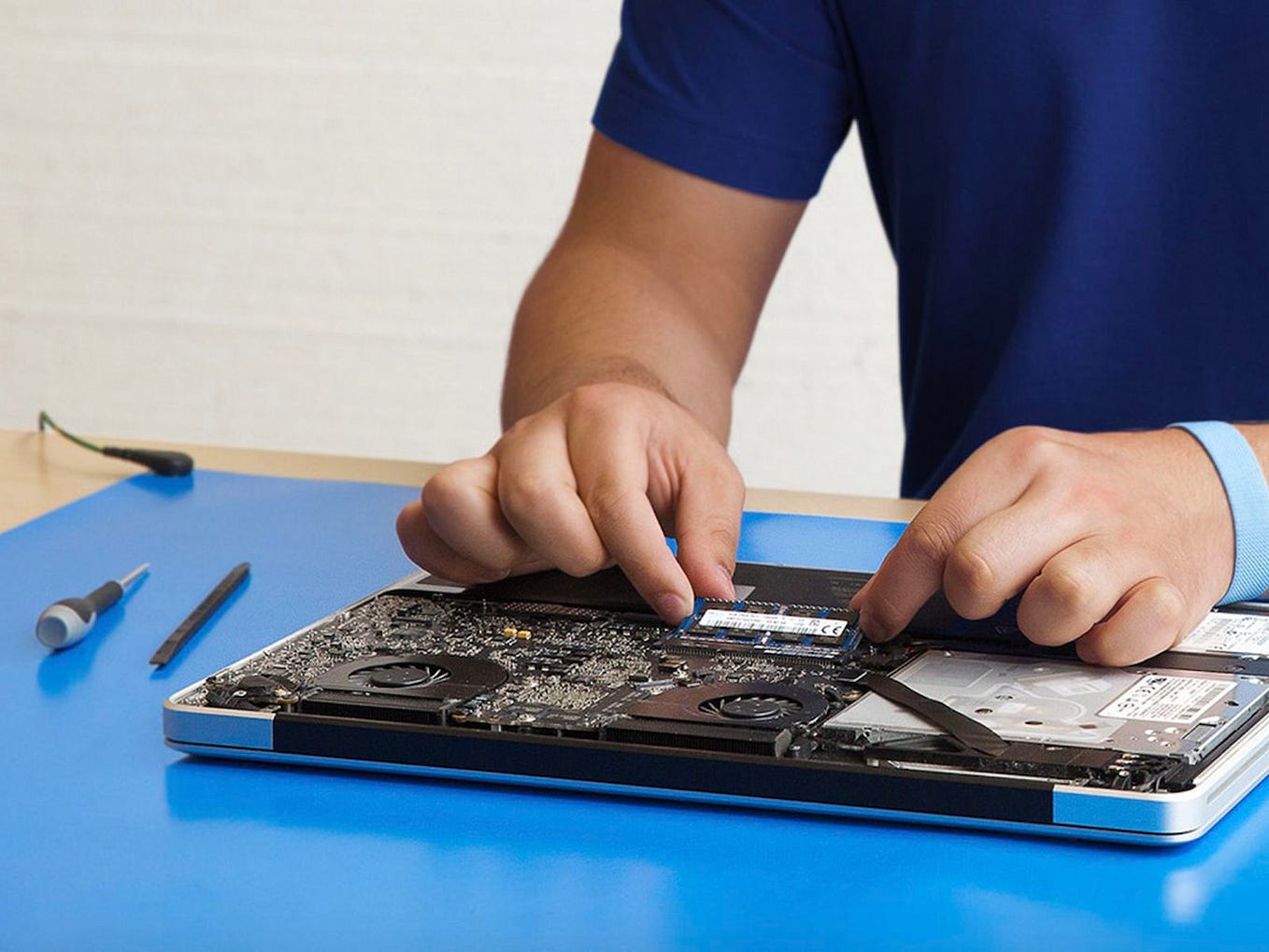
Many repair centers that provide Laptop repair Dubai services also handle water-damaged iPads because the underlying repair principles are similar.
Shared repair procedures include:
- Internal inspections
- Corrosion removal
- Circuit testing
- Component replacement
- Data recovery
The experience gained from repairing laptops often helps technicians diagnose complex liquid damage issues in tablets and other electronic devices.
How Long Does Water Damage Repair Take?
Repair duration depends on the severity of the damage.
Typical factors affecting repair time include:
- Extent of liquid exposure
- Level of corrosion
- Availability of replacement parts
- Complexity of logic board repairs
- Data recovery requirements
Minor cases may be resolved relatively quickly, while extensive motherboard repairs can require additional time.
Preventing Future Water Damage
While professional repairs can often restore functionality, prevention remains the most effective strategy.
Use Protective Cases
Water-resistant cases provide an additional layer of protection against accidental spills.
Keep Devices Away from Liquids
Avoid placing drinks near workstations, desks, or areas where the iPad is frequently used.
Store Devices Properly
Use protective bags and avoid leaving devices in humid environments.
Maintain Regular Backups
Cloud backups and external storage solutions can reduce the risk of data loss if water damage occurs.
Schedule Device Inspections
Periodic device checks can help identify minor issues before they become major problems.
Conclusion
Water damage can affect nearly every component inside an iPad, from the display and battery to the charging system and logic board. Prompt action and professional diagnostics play a crucial role in minimizing long-term damage and improving repair outcomes.
Professional iPad Repair Services in Dubai, UAE follow a systematic approach that includes inspection, cleaning, corrosion removal, component testing, and board-level repairs when necessary. For users concerned about valuable files, specialized Data recovery Dubai services can help retrieve important information from water-damaged devices. Many repair centers with expertise in Laptop repair Dubai also possess the technical skills required to address complex liquid damage in tablets and other electronic devices.
Understanding the repair process helps device owners make informed decisions and respond quickly when accidents occur, increasing the chances of restoring both device functionality and critical data.