Water damage is one of the most common reasons people seek professional laptop and tablet repairs. A small spill may appear harmless at first, but even a few drops of water can affect internal components, damage circuits, and reduce the lifespan of your device. Whether you use a Microsoft Surface for work, study, or creative projects, immediate action after water exposure can prevent long-term system failure.
Many users delay repairs because the device still powers on after contact with water. Unfortunately, hidden moisture can continue corroding components for days or weeks. This is why professional Surface repair Dubai services are important for diagnosing and restoring damaged devices before problems become permanent.
This guide explains how water damage affects Surface devices, warning signs to watch for, and practical system care steps that help extend device performance.
Common Causes of Water Damage in Surface Devices
Surface devices are portable and lightweight, which makes them convenient for daily use. However, portability also increases the chances of accidental liquid exposure. Water damage can occur in several situations, including:
- Coffee or tea spills during office work
- Rain exposure while traveling
- Leaking water bottles inside bags
- Humidity buildup in poorly ventilated rooms
- Accidental drops into sinks or wet surfaces
- Liquid seepage through keyboards and charging ports
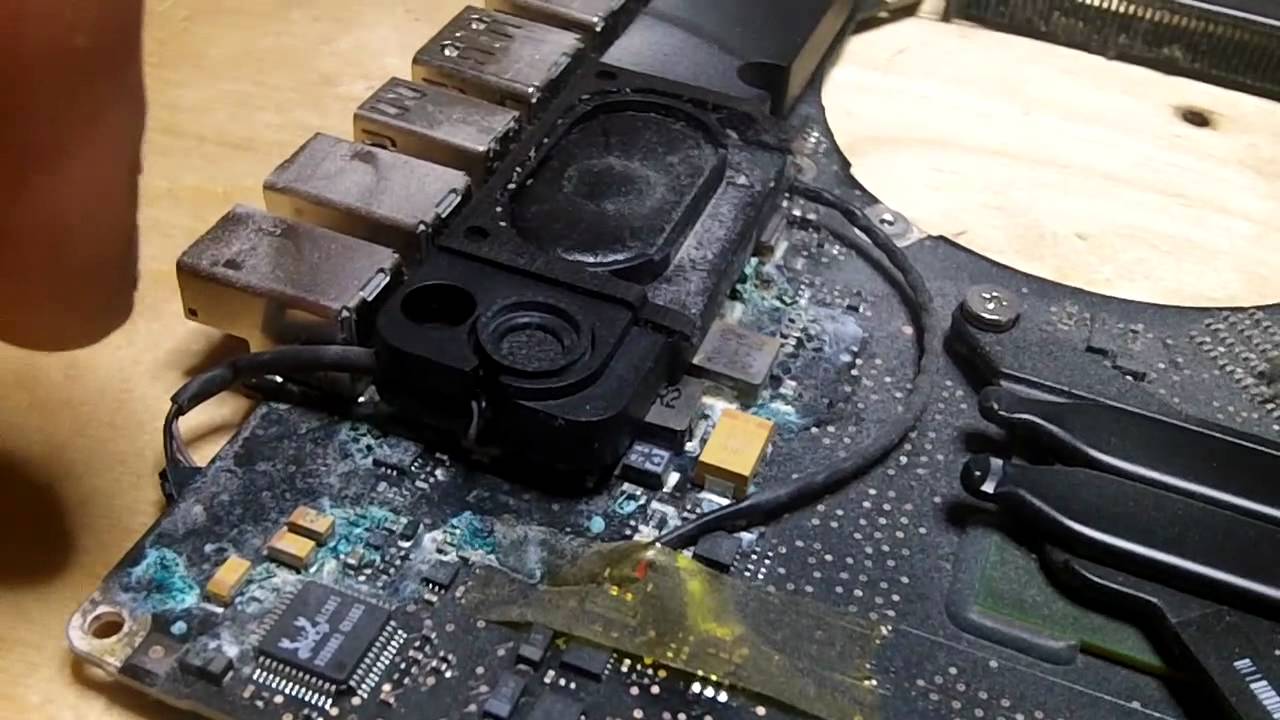
Even clean water can create electrical shorts inside the motherboard. Sugary drinks and salty liquids are even more damaging because they leave residue and accelerate corrosion.
Users searching for Surface repair Dubai often discover that the actual damage extends far beyond the visible surface. Moisture may spread through connectors, SSD components, speakers, or display circuits.
Signs Your Surface Device Has Water Damage
Water damage symptoms may appear immediately or gradually over time. Recognizing these signs early can help prevent additional hardware issues.
- Random Shutdowns
Unexpected restarts or shutdowns often indicate short circuits caused by moisture around the motherboard.
- Keyboard or Touchscreen Malfunctions
Sticky keys, delayed touch response, or ghost typing are common after liquid exposure.
- Charging Problems
If the Surface device stops charging or overheats during charging, water may have affected the charging IC or port.
- Screen Flickering
Display flickering or black spots may occur when moisture reaches the screen connectors.
- Distorted Audio
Water trapped near speakers can reduce sound quality or create crackling noises.
- Overheating Issues
Internal corrosion may interfere with cooling functions, causing temperature increases during normal use.
Professional technicians providing Surface repair Dubai services typically perform full internal inspections to identify hidden moisture damage before replacing components.
Immediate Steps After Water Exposure
Fast action plays a major role in saving your Surface device. The wrong response can worsen the damage.
Turn Off the Device Immediately
Powering on a wet device increases the risk of short circuits. Shut down the Surface completely and disconnect all accessories.
Remove External Components
Detach keyboards, USB devices, memory cards, or charging cables.
Dry the Exterior Carefully
Use a microfiber cloth to remove visible moisture. Avoid using heat guns or hair dryers because high temperatures may damage internal parts.
Avoid DIY Disassembly
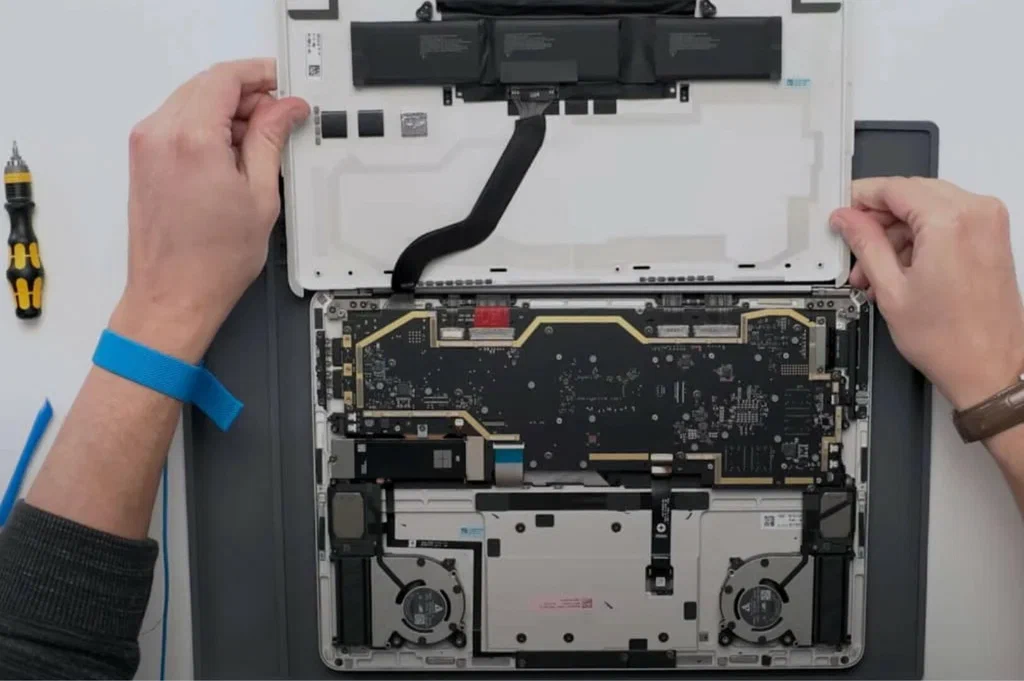
Modern Surface devices have compact internal layouts that require professional tools for safe opening. Improper handling may crack the screen or damage connectors.
Seek Professional Repair Quickly
The sooner you arrange Surface repair Dubai services, the higher the chance of successful restoration.
Many repair centers also allow customers to Book water damage repair Dubai appointments online for faster diagnosis and reduced turnaround time.
Why Professional Water Damage Repair Matters
Some users attempt DIY drying methods such as placing devices in rice. While these methods may absorb surface moisture, they rarely remove internal corrosion.
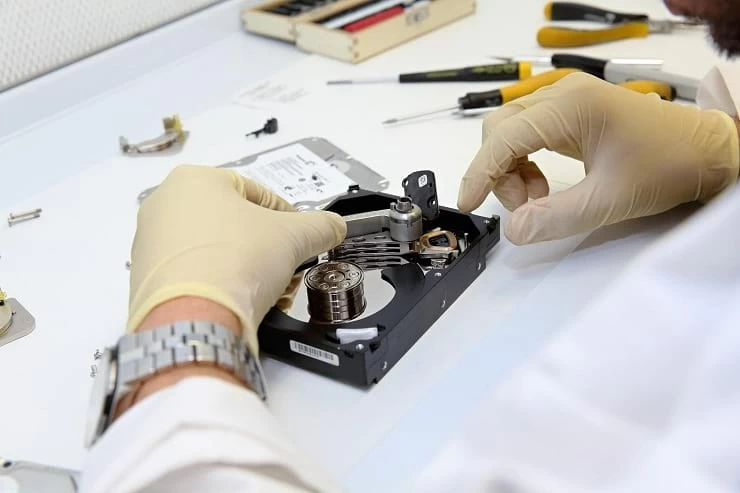
Professional repair technicians use advanced cleaning and testing procedures, including:
- Ultrasonic board cleaning
- Corrosion removal
- Motherboard diagnostics
- SSD and storage testing
- Power circuit inspection
- Thermal performance checks
A complete inspection ensures that hidden damage does not continue affecting the device after temporary recovery.
Technicians specializing in Surface repair Dubai also verify whether important files remain accessible before replacing damaged hardware.
Data Protection After Water Damage
One of the biggest concerns after liquid exposure is data loss. Work documents, photos, presentations, and business files may become inaccessible if the SSD fails.
Professional repair services often prioritize:
- Storage drive recovery
- Data backup procedures
- SSD health checks
- Secure file transfer
If your Surface contains critical business or academic information, avoid repeated restart attempts. Continuous power cycling may worsen motherboard damage.
Many customers who Book water damage repair Dubai services request immediate data recovery support before hardware replacement begins.
Surface System Care Tips for Long-Term Protection
Preventive care reduces the risk of future water-related issues and improves device lifespan.
Keep Liquids Away From Workspaces
Use spill-resistant containers and avoid placing drinks next to the device.
Use Protective Sleeves
Water-resistant laptop sleeves help protect Surface devices during travel.
Maintain Proper Ventilation
Excess humidity can affect internal electronics over time. Keep the device in a cool and dry environment.
Clean Ports Regularly
Dust buildup near charging and USB ports may trap moisture and affect connectivity.
Avoid Using the Device With Wet Hands
Moisture transferred through repeated contact may affect keyboards and ports.
Back Up Important Files Frequently
Cloud storage and external backups help reduce the impact of sudden hardware failure.
Routine system care combined with timely Surface repair Dubai services helps maintain stable performance and lower future repair costs.
Surface vs MacBook Water Damage Repairs
Water damage affects both Surface devices and Apple laptops in similar ways, although repair methods differ depending on the internal structure.
Surface devices use compact designs with integrated components that often require careful disassembly procedures. Apple laptops also feature tightly packed hardware and sensitive logic boards.
Many repair centers that handle Surface repair Dubai requests also provide MacBook water damage repair Dubai services for users dealing with liquid-damaged Apple devices.
Professional diagnostics remain important for both device categories because corrosion may continue spreading even when the system appears functional.
When to Replace Instead of Repair
Not every water-damaged device requires full replacement. In many cases, early repairs restore performance successfully. However, replacement may be recommended if:
- Corrosion has spread across multiple components
- The motherboard is beyond repair
- The SSD cannot recover data
- The repair cost exceeds device value
- Battery swelling creates safety concerns
A detailed diagnostic evaluation helps determine whether repairs are practical.
Users searching for Surface repair Dubai often benefit from repair assessments before deciding to purchase a new device.
Choosing a Water Damage Repair Service
Selecting the right repair provider can improve recovery results and reduce downtime.
When comparing repair centers, consider:
- Experience with Surface devices
- Availability of diagnostic testing
- Data recovery support
- Genuine replacement components
- Repair warranty options
- Transparent pricing
- Turnaround time estimates
Many service providers now allow customers to Book water damage repair Dubai appointments digitally, making the process more convenient for urgent repairs.
If you also own Apple devices, selecting a center offering MacBook water damage repair Dubai services can simplify future maintenance and repairs.
Final Thoughts
Water exposure can create serious performance issues for Surface devices, but immediate action and professional diagnostics can prevent permanent damage. Delayed repairs often increase corrosion, reduce battery life, and place important files at risk.
Professional Surface repair Dubai services help identify hidden moisture damage, restore system stability, and protect long-term device performance. Whether the issue involves charging failures, keyboard problems, or motherboard corrosion, early treatment improves recovery success.
Users dealing with liquid exposure should avoid DIY repair methods and seek professional support quickly. Many repair providers also offer online scheduling options that make it easy to Book water damage repair Dubai services when urgent assistance is needed.
For users managing multiple devices, including Apple products, access to MacBook water damage repair Dubai solutions can also help maintain productivity and prevent costly hardware replacements in the future.