MacBooks are known for their sleek design, powerful performance, and long lifespan. However, like any electronic device, they can develop issues over time. One of the most common problems MacBook users face is overheating. Excessive heat can slow down performance, reduce battery life, and even damage internal components if left unresolved.
Whether you use your MacBook for work, studies, or creative projects, keeping it cool is essential for maintaining optimal performance. A MacBook Repair Specialist Dubai can identify the root cause of overheating and implement effective solutions to restore your device’s efficiency. In this guide, we’ll explore the common causes of overheating, professional repair solutions, and preventive measures to keep your MacBook running smoothly.
Why Is Your MacBook Overheating?
Before seeking MacBook repair services, it is important to understand why your MacBook may be generating excessive heat.
Dust and Debris Buildup
Over time, dust accumulates inside the cooling system and around the fan vents. This buildup restricts airflow and prevents heat from escaping efficiently.
Common signs include:
- Constantly running fans
- Hot keyboard and bottom casing
- Reduced system performance
Aging Thermal Paste
Thermal paste helps transfer heat from the processor to the cooling system. As it ages, it can dry out and lose effectiveness, causing the CPU and GPU to operate at higher temperatures.
Faulty Cooling Fans
Cooling fans play a crucial role in regulating internal temperatures. Damaged or malfunctioning fans may fail to provide adequate airflow, leading to overheating.
Resource-Intensive Applications
Running multiple heavy applications simultaneously can place significant strain on your MacBook’s processor. Video editing software, gaming applications, and design tools often increase system temperatures.
Software Issues
Certain software bugs, outdated macOS versions, or background processes can consume excessive CPU resources, generating unnecessary heat.
Battery Problems
An aging or swollen battery can contribute to overheating and may require immediate professional inspection.
How a MacBook Repair Specialist Dubai Diagnoses Overheating
Professional diagnosis is the first step toward resolving overheating issues. A qualified MacBook Repair Specialist Dubai typically follows a detailed inspection process.
Internal Temperature Assessment
Technicians use diagnostic tools to monitor CPU, GPU, and battery temperatures. This helps determine whether temperatures exceed normal operating ranges.
Fan Performance Testing
The repair specialist evaluates fan speed, responsiveness, and overall condition to identify potential failures.
Hardware Inspection
Internal components such as the logic board, battery, heat sink, and cooling system are carefully examined for signs of wear or damage.
Software Diagnostics
System logs and performance data are reviewed to detect software-related causes of overheating.
Professional Fixes for Overheating Macs
Internal Cleaning and Dust Removal
One of the most effective solutions offered by MacBook repair Dubai professionals is comprehensive internal cleaning.
Benefits include:
- Improved airflow
- Lower operating temperatures
- Reduced fan noise
- Enhanced overall performance
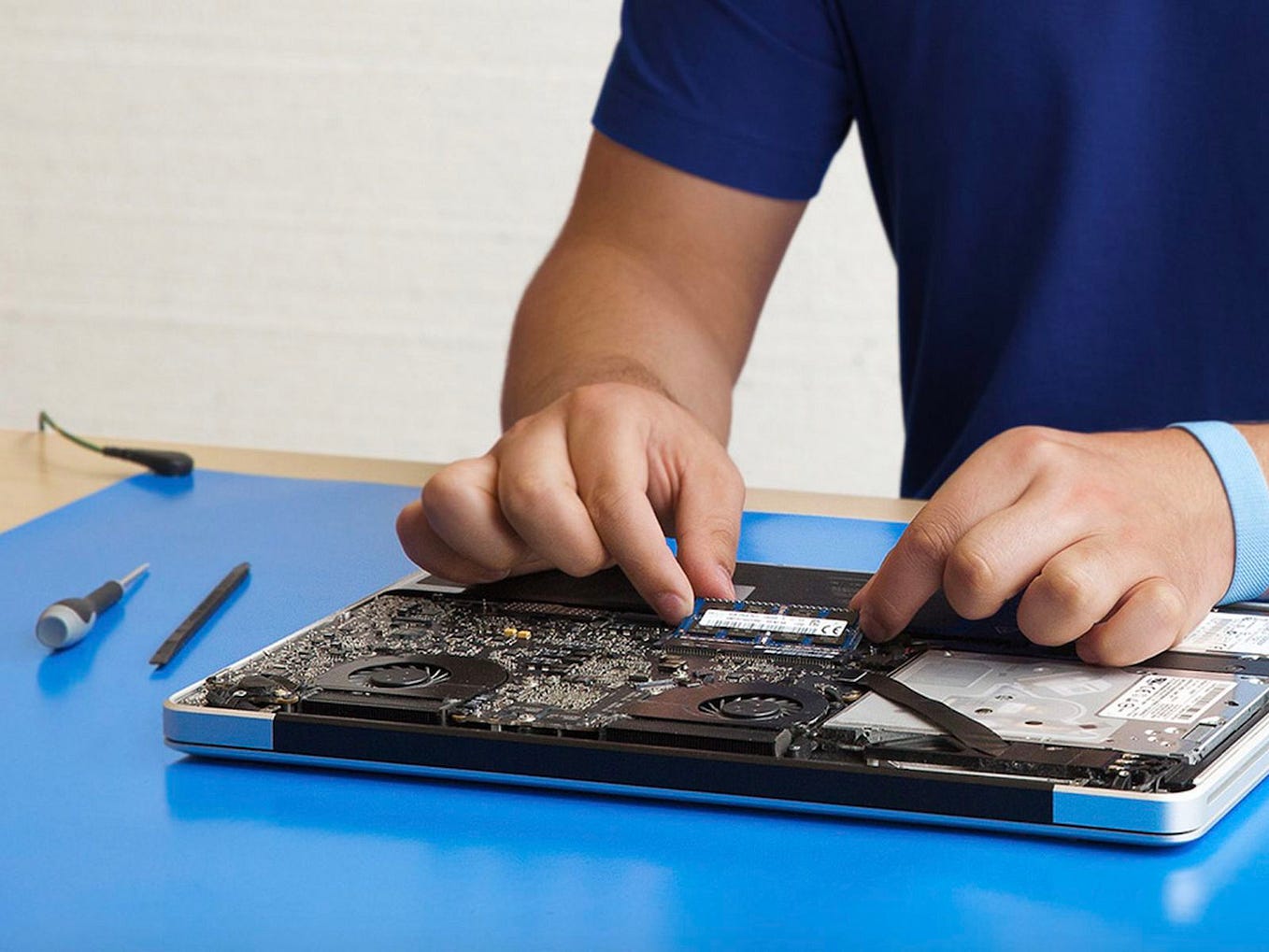
Professional cleaning involves opening the device and safely removing dust from fans, vents, and internal components.
Thermal Paste Replacement
Replacing old thermal paste can significantly improve heat transfer efficiency.
A technician carefully removes degraded thermal paste and applies a high-quality replacement, helping maintain lower processor temperatures during demanding tasks.
Fan Repair or Replacement
If the cooling fan is damaged or operating below capacity, replacement may be necessary.
A functioning fan:
- Maintains proper airflow
- Prevents thermal throttling
- Protects internal hardware
Battery Replacement
Overheating caused by a deteriorating battery often requires battery replacement.
Professional MacBook repair services ensure the new battery meets manufacturer standards and restores safe operation.
Logic Board Repair
In some cases, overheating originates from logic board faults, damaged circuits, or power management issues.
An experienced MacBook Repair Specialist Dubai can identify and repair these complex hardware problems before they lead to more extensive damage.
Software Optimization
Many overheating issues can be resolved through software improvements, including:
- Removing unnecessary startup programs
- Updating macOS
- Eliminating malware
- Managing background processes
- Optimizing system settings
These adjustments reduce processor workload and improve cooling efficiency.
Warning Signs You Should Not Ignore
Overheating often presents several early warning signs. Seeking professional assistance quickly can prevent costly repairs later.
Watch for:
Excessive Fan Noise
Fans running at maximum speed for extended periods may indicate a cooling issue.
Slow Performance
Thermal throttling occurs when the processor reduces performance to prevent overheating.
Unexpected Shutdowns
A MacBook may automatically shut down when temperatures reach unsafe levels.
Hot Surface Temperatures
If the keyboard, trackpad, or underside becomes unusually hot, the device requires attention.
Battery Swelling
A swollen battery is both a safety risk and a potential source of overheating. Immediate inspection is recommended.
Preventive Tips to Avoid Future Overheating
While professional repairs are important, proper maintenance can help prevent recurring issues.
Keep Air Vents Clear
Always use your MacBook on a hard, flat surface that allows unrestricted airflow.
Avoid:
- Beds
- Pillows
- Blankets
- Cushioned surfaces
Update Software Regularly
Software updates often contain performance improvements and bug fixes that enhance thermal management.
Monitor Resource Usage
Use Activity Monitor to identify applications consuming excessive CPU resources.
Closing unnecessary programs can reduce heat generation.
Clean Your Device Periodically
Regular maintenance prevents dust accumulation and keeps the cooling system functioning efficiently.
Avoid Extreme Temperatures
Using your MacBook in very hot environments can increase internal temperatures and strain cooling components.
Charge Responsibly
Using genuine chargers and maintaining healthy charging habits can help extend battery life and reduce heat-related issues.
Why Choose Professional MacBook Repair Services?
Attempting DIY repairs can sometimes worsen overheating problems. Modern MacBooks contain delicate components that require specialized tools and expertise.
Professional MacBook repair services offer:
- Accurate diagnostics
- Safe component handling
- Genuine replacement parts
- Long-term repair solutions
- Protection against additional damage
A qualified MacBook Repair Specialist Dubai understands Apple hardware architecture and can provide solutions tailored to your specific MacBook model.
Benefits of Early Repair
Addressing overheating issues promptly provides several advantages:
Extended Device Lifespan
Lower operating temperatures reduce wear on internal components.
Improved Performance
A properly cooled MacBook maintains consistent speed and responsiveness.
Better Battery Health
Heat is one of the leading factors affecting battery longevity.
Reduced Repair Costs
Early intervention often prevents small issues from becoming major hardware failures.
Conclusion
Overheating is a common issue that can significantly affect the performance and longevity of your MacBook. Dust buildup, failing fans, aging thermal paste, software problems, and battery issues are among the most frequent causes. Fortunately, a professional MacBook Repair Specialist Dubai can accurately diagnose the problem and provide effective solutions, from internal cleaning and thermal paste replacement to fan repairs and logic board servicing.
If your MacBook is running hotter than usual, slowing down, or shutting down unexpectedly, seeking professional MacBook repair Dubai assistance can help prevent further damage. With proper maintenance and timely MacBook repair services, you can keep your MacBook performing efficiently for years to come.